
Ten meeting tools in 2026: decisions, transcripts or formal minutes
One tool hands you decisions, another a transcript, another a formal minute. Ten compared, with prices read from vendor pages on 1 September 2026.
September 1, 2026
- Rolebase publishes this article and ranks first in the group where a meeting ends in decisions attached to a role. Its price is public and its source is open.
- Three different kinds of product share the name meeting management software. One structures the meeting, one records it, one turns it into a formal minute for a board. Buying across those lines is where most of the disappointment comes from.
- Free tiers checked on 1 September 2026: Fathom allows unlimited recordings and transcripts, OpenProject's community edition costs nothing at any size if you host it yourself, GlassFrog covers 10 users, Rolebase covers 5 active members with every feature, Fellow stops at 5 AI notes per user for the lifetime of the account.
- OnBoard and talkspirit publish no price at all. Both route you to a demo, so budget for a sales call before you can compare either one on cost.
The term meeting management software names three different kinds of product. One gives the meeting a shape, an agenda that turns into decisions with owners. One sends a bot into the call and hands you a transcript afterwards. One builds a board book and a minute your directors approve at the next session. They cost between nothing and $39 a seat. The family matters more than the price, since a team that buys from the wrong family abandons the tool.
Rolebase publishes this article and is one of the ten. It comes first in the group of tools that turn a meeting into a structure your organisation keeps. Six criteria decide that order. They are set out under How this ranking works. Every tool named here links to its own site, so you can check each claim at its source.
If what you need is a record of what people actually said, start with the four tools that record the call. No amount of agenda structure replaces a transcript.
Prices come from each vendor's own pricing page, read on 1 September 2026. Where a vendor publishes no price, the entry says so instead of quoting a number from a roundup, which matters more here than usual: the figures circulating for talkspirit in comparison articles range from 4 € to 149 € a month and contradict each other.
How this ranking works
The groups come from what the meeting leaves behind, and from where that record is kept. A decision attached to a role, a transcript attached to a call and a signed minute attached to a board resolution are three different objects, so the tool you pick determines which one you get.
Who produces that record comes next: a participant typing during the session, a bot that joined the call, or a model summarising what people wrote.
The real entry cost matters more than the headline rate, because four of these ten bill a floor of seats before they bill you for the people you actually have.
The free tier counts for what it allows rather than for the label. Fathom's free tier covers unlimited recordings. Fellow's stops after 5 AI notes per user for the life of the account. Those two sit at opposite ends of what "free" means in this market.
Portability runs through licence, self-hosting and API access. Export formats stay out of it. Few of these vendors publish them, so a comparison would measure what each vendor publishes rather than what its product actually supports. Rolebase ships under MIT and OpenProject under GPLv3, and the other eight are proprietary.
Ratings come with a caveat. On Capterra and G2, the two review sites this article draws on, sample sizes across the ten run from 16 reviews to 1,058. Several of these vendors collect reviews mainly on G2, so the Capterra score compares poorly across families. Fellow carries 37 Capterra reviews against 2,437 on G2. Rolebase carries 16, on a G2 profile nobody has reviewed. Read the count before the score, ours included.
Each group is then ordered on its own question, because each group sells a different outcome. In group one, the question is how much of your structure a meeting can update without you adopting a governance method or booking a sales call first. For group two, what counts is what the tool builds on top of the transcript. For group three, what settles it is whether the price is public. The numbers from 1 to 10 are a reference, not a podium, so Fathom at 7 answers a different question from GlassFrog at 3.
Group three is the only one that produces records your bylaws require and an auditor will accept.
The comparison
| Tool | What the meeting leaves behind | Free tier | Entry price | Open source | Capterra |
|---|---|---|---|---|---|
| Rolebase | Decisions and tasks attached to roles | All features, 5 active members | €5/user/month | MIT | 5.0 (16) |
| talkspirit | Minutes, decisions and elections tied to roles | Not published | Quote only | No | 4.8 (146) |
| GlassFrog | Governance records against Holacracy circles | 10 users | $7/user/month | No | 4.3 (60) |
| OpenProject | Agenda and minutes tied to work packages | Community edition, self-hosted, any size | €5.95/user/month, 25 minimum | GPLv3 | 4.6 (188) |
| Fellow | Recording, transcript, AI notes, agenda | 5 users, 5 AI notes per user for the account's lifetime | $7/user/month annually | No | 4.9 (37) |
| Fireflies.ai | Transcript, AI summary, action items | 400 minutes of storage per team | $10/seat/month annually | No | 4.9 (735) |
| Otter.ai | Transcript and summary | 300 minutes a month | $8.33/user/month annually | No | 4.4 (103) |
| Fathom | Recording, transcript, AI summary | Unlimited recordings and transcripts | $16/user/month annually, or $15 from 2 seats | No | 5.0 (809) |
| Boardable | Board packet and formal minutes | 14-day trial | $20.99/user/month annually | No | 4.7 (128) |
| OnBoard | Board book and formal minutes | Not published | Quote only | No | 4.7 (1,058) |
Group one: the meeting updates a structure you keep
These four treat the meeting as the moment an organisation edits itself. The agenda is a set of items with owners, the outcome is a decision or a task recorded against a role or a project, and the record stays because it lives in the same place as the structure.
They separate on how much of that structure exists in the first place. Rolebase, talkspirit and GlassFrog carry roles with accountabilities and attach the outcome to them. OpenProject attaches it to work packages instead, which is a project structure rather than a governance one.
talkspirit produces the most structured output of the four, because it handles proposals, objections and elections inside the product. The order in this group turns on how easily you can find out whether that structure suits you, and talkspirit answers that only in a demo.
1. Rolebase
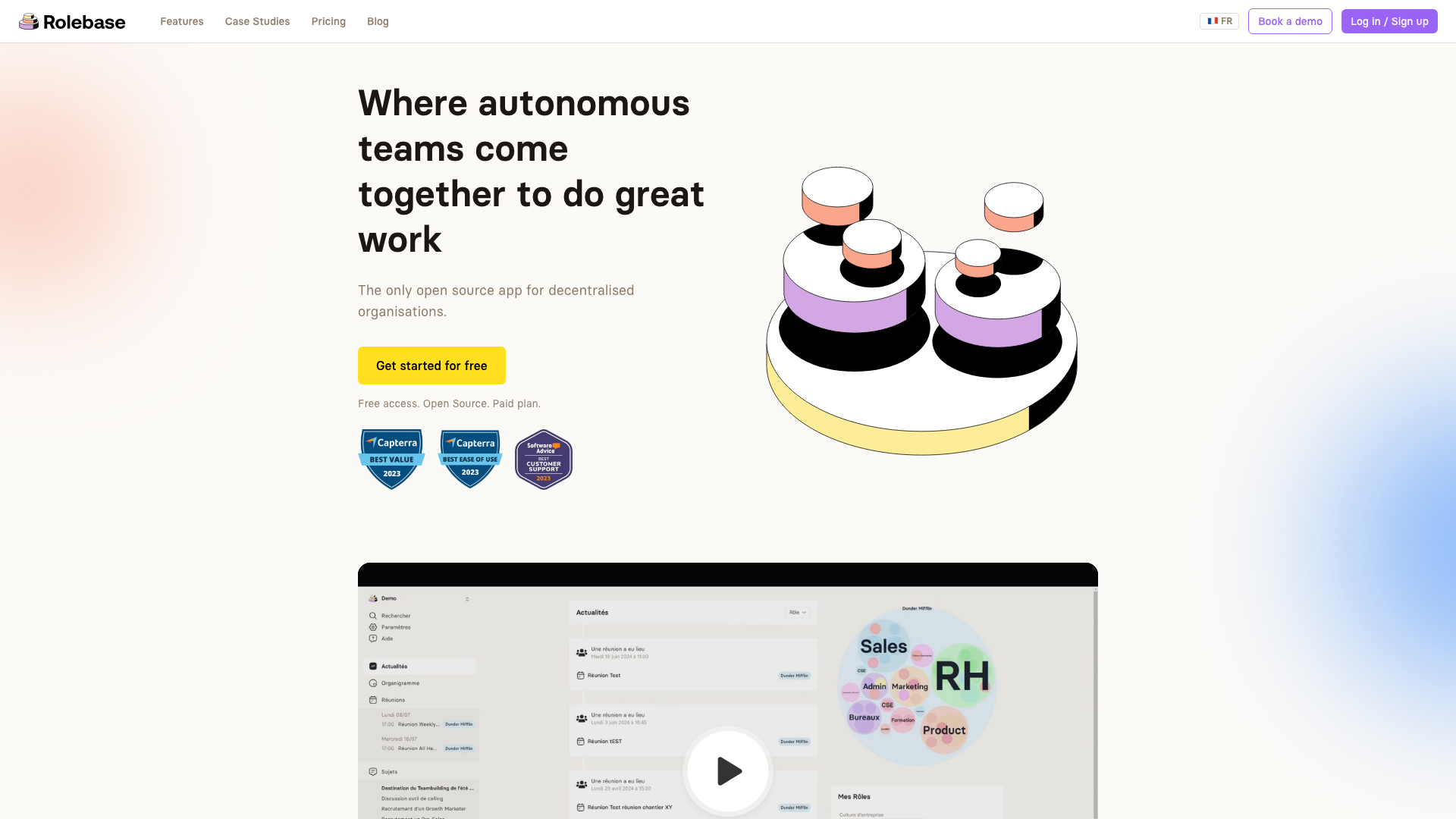
A meeting in Rolebase belongs to a role, follows a sequence of typed steps, and records its decisions and its tasks on the roles they concern rather than in someone's notes app. The product ships under the MIT licence.
The steps are what separate it here. A session moves through a check-in round, a checklist of recurring commitments, the role's indicators, its tasks and its discussions, in an order you set. Each step type does something specific: the checklist asks each member to confirm what they completed since last time, the indicators step collects the numbers, the tasks step updates owners and statuses. Reusable templates hold that sequence, so a tactical round and a governance session start from different shapes without anyone rebuilding an agenda. Recurrence follows rrule, attendance records present, absent or unconfirmed, and the summary generated at the end pulls from what the participants wrote during the session. Calendars sync through Google and Office 365, or over an iCal feed. Video runs on a built-in Jitsi room or on any external link you paste.
Two client cases come from the vendor rather than from an independent reviewer. Lonestone, a 35-person product studio, replaced its Notion tables with roles newcomers can read in their first week. The Scop EVEA cooperative maps 140 people across three sites. Capterra rates it 5.0 from 16 reviews, the smallest sample among the ten, and gave it Best Value and Best Ease of Use in 2023.
Rolebase captures what people type and nothing else. It records no audio and joins no calls, so the AI summary works from the written record rather than from what was said. If you need the words back, pair it with a tool from group two. A board packet and an e-signature are both missing. Self-hosting means running Nhost, Hasura and PostgreSQL yourself.
Rolebase is free with every feature up to 5 active members, with unlimited people in the org chart who need no account, then €5 per user per month on the Startup plan.
2. talkspirit
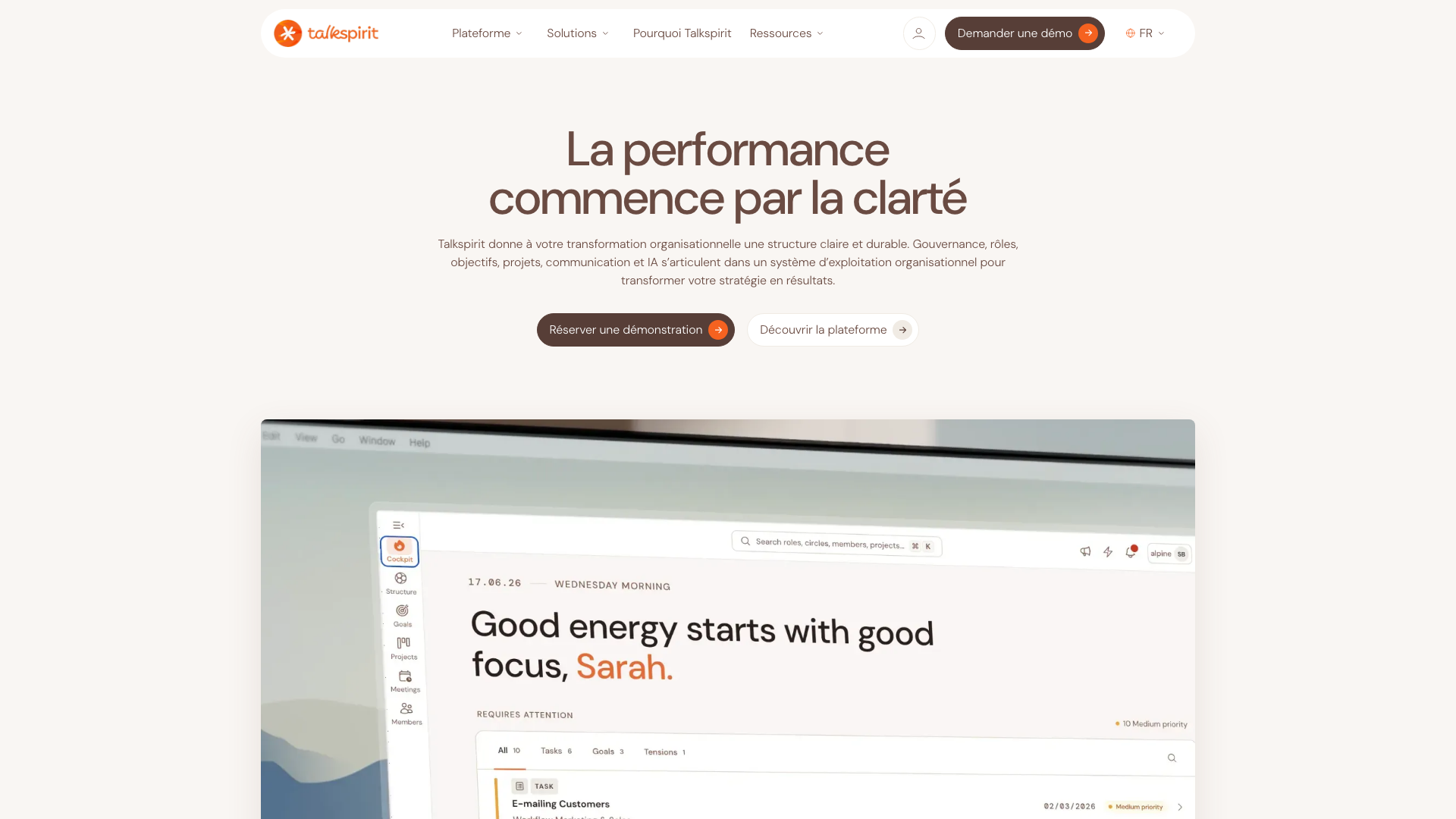
talkspirit is the widest product in this group. The company was founded in 2004. It absorbed Holaspirit in a 2023 merger and now sells a single European platform combining an enterprise social feed, chat, an objectives module and the governance tooling Holaspirit brought with it.
Its meetings module runs check-in, agenda and closing, with templates the vendor describes as drawn from Holacracy and Sociocracy 3.0. Minutes, decisions, attendance and actions are recorded as the session runs, a summary is generated at the end, and agenda items link back to roles, projects and objectives. Proposals, objections and elections are handled in the product rather than left to a side process, which is more than most of this list attempts. The company reports more than 900 organisations across 28 countries, hosting in France and Switzerland, and ISO 27001 certification.
The Holaspirit marketing site now redirects to talkspirit.com while the application stays online at app.holaspirit.com, and the vendor has stopped publishing prices entirely: there is no pricing page in any of its three languages, and the route to a number is a demo. Capterra rates talkspirit 4.8 from 146 reviews and keeps a separate Holaspirit listing at 4.6 from 122.
3. GlassFrog
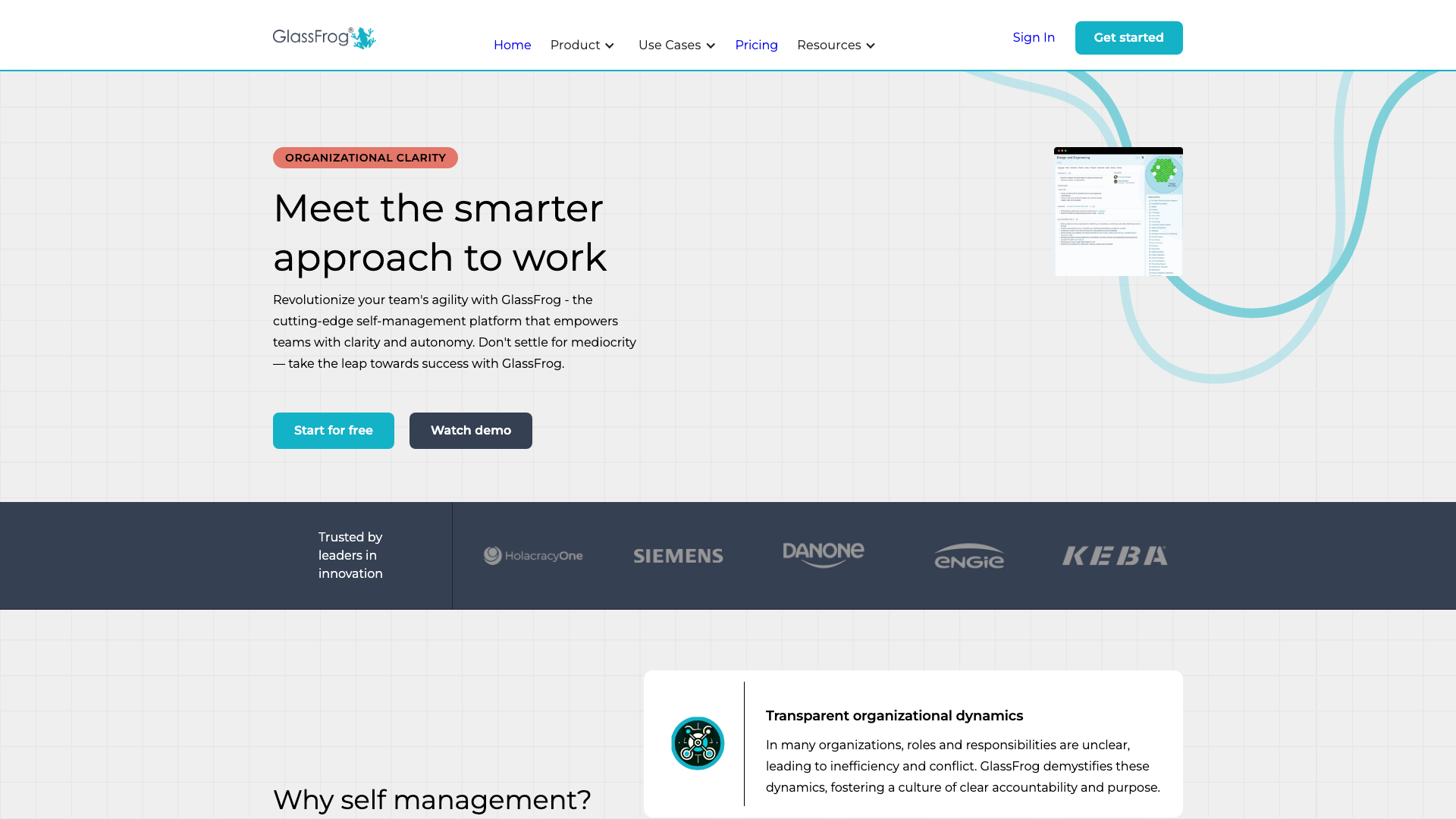
GlassFrog comes from HolacracyOne, the organisation behind the Holacracy constitution, and it follows that constitution more literally than anything else here. Governance and tactical meetings are built in as distinct processes, circles and roles carry policies, and the tension inbox feeds the agenda the way the method prescribes. Capterra rates it 4.3 from 60 reviews.
That fidelity cuts both ways. A team practising Holacracy properly gets a tool that already knows the rules, and everyone else has to learn the vocabulary before the tool earns its place.
Its free tier covers more seats than any other hosted offer in this group, at 10 users with unlimited circles, roles, policies, projects and actions, plus governance and tactical meetings, Google SSO and API access rate-limited to 50 calls an hour. Premium removes the user cap at $7 per user per month and adds advanced search, custom meetings, full data download and integrations with Slack, Asana and Jira. Two add-ons sit outside that price, Goals and Targets at $1.50 per user per month and the FrogBot assistant at another $1.50.
4. OpenProject
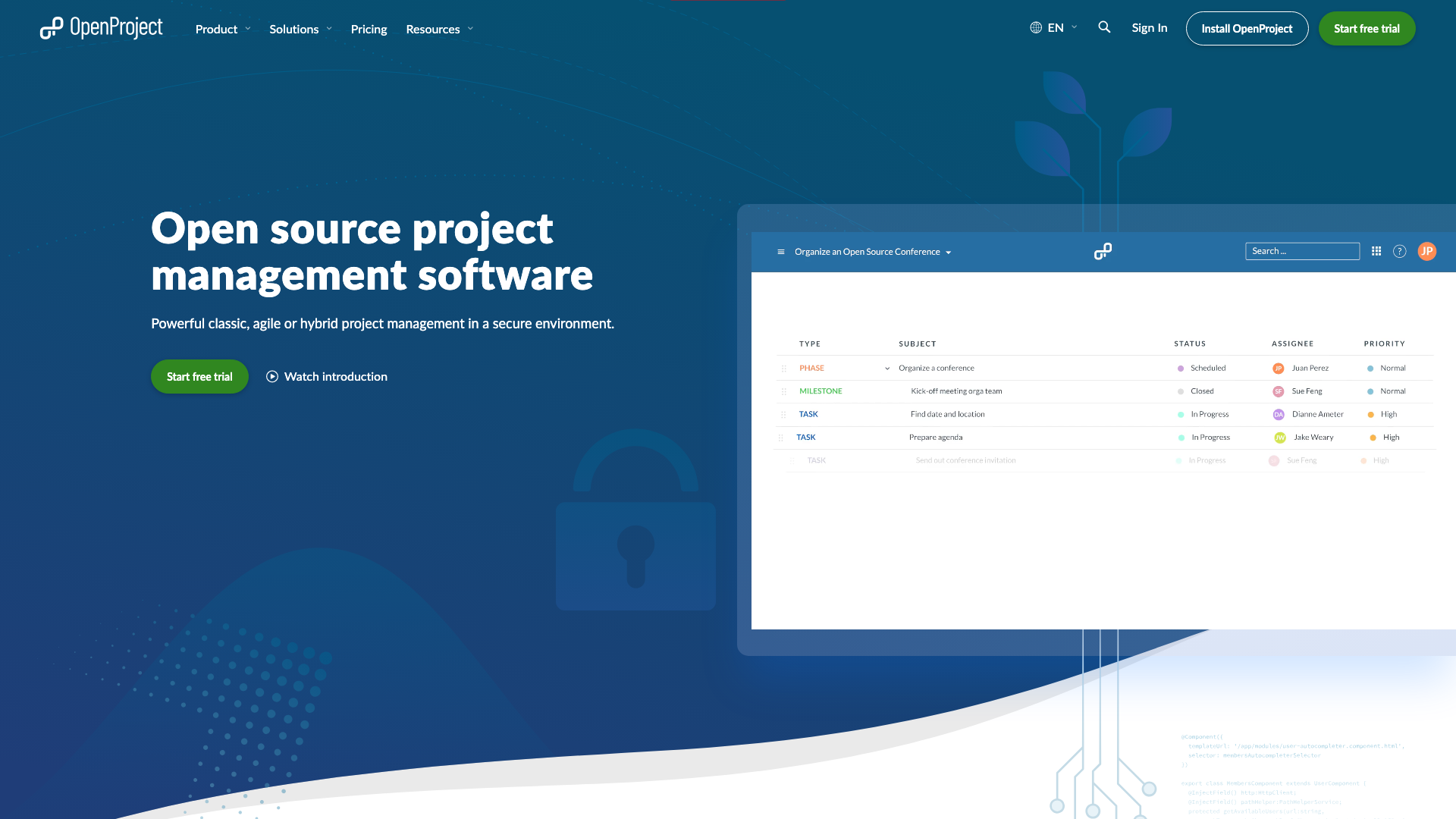
OpenProject is a project management platform under GPLv3, and its meetings module is the reason it belongs in this group. Agendas and minutes are written in the tool, one-time and recurring meetings both work, attendees carry a participation status, and each meeting is published as an iCal feed that Outlook, Apple Calendar or any other calendar app can subscribe to.
What makes it distinctive is where the outcome is recorded. An agenda item links to a work package, so a decision taken in the meeting becomes a change on the ticket the team already works from. For an engineering organisation that lives in its tracker, that is a shorter path than any governance tool offers.
The community edition is free at any size, with no seat cap, provided you run it yourself. Paid hosting starts at €5.95 per user per month on Basic with a 25-user minimum, which makes the real entry price €148.75 a month rather than €5.95. Professional is €10.95 with the same floor and Premium €15.95 with a floor of 100. Capterra rates it 4.6 from 188 reviews while G2 rates it 3.8 from 25, a wider gap than any other product here shows.
It models no roles and no accountabilities, so it answers "what are we shipping" rather than "who decides this".
Group two: the meeting produces a recording and AI notes
A bot joins the call, or the browser captures it directly, and a transcript comes back with a summary. The record is faithful in a way nothing in group one can match, because it is what was actually said rather than what someone had time to type.
The trade-off is that a transcript is a document, not a structure. Action items get extracted, and then they sit in a meeting record that nobody revisits unless the tool pushes them somewhere else. Every product here has integrations for exactly that reason.
What separates the four is what they build on top of the transcript.
5. Fellow
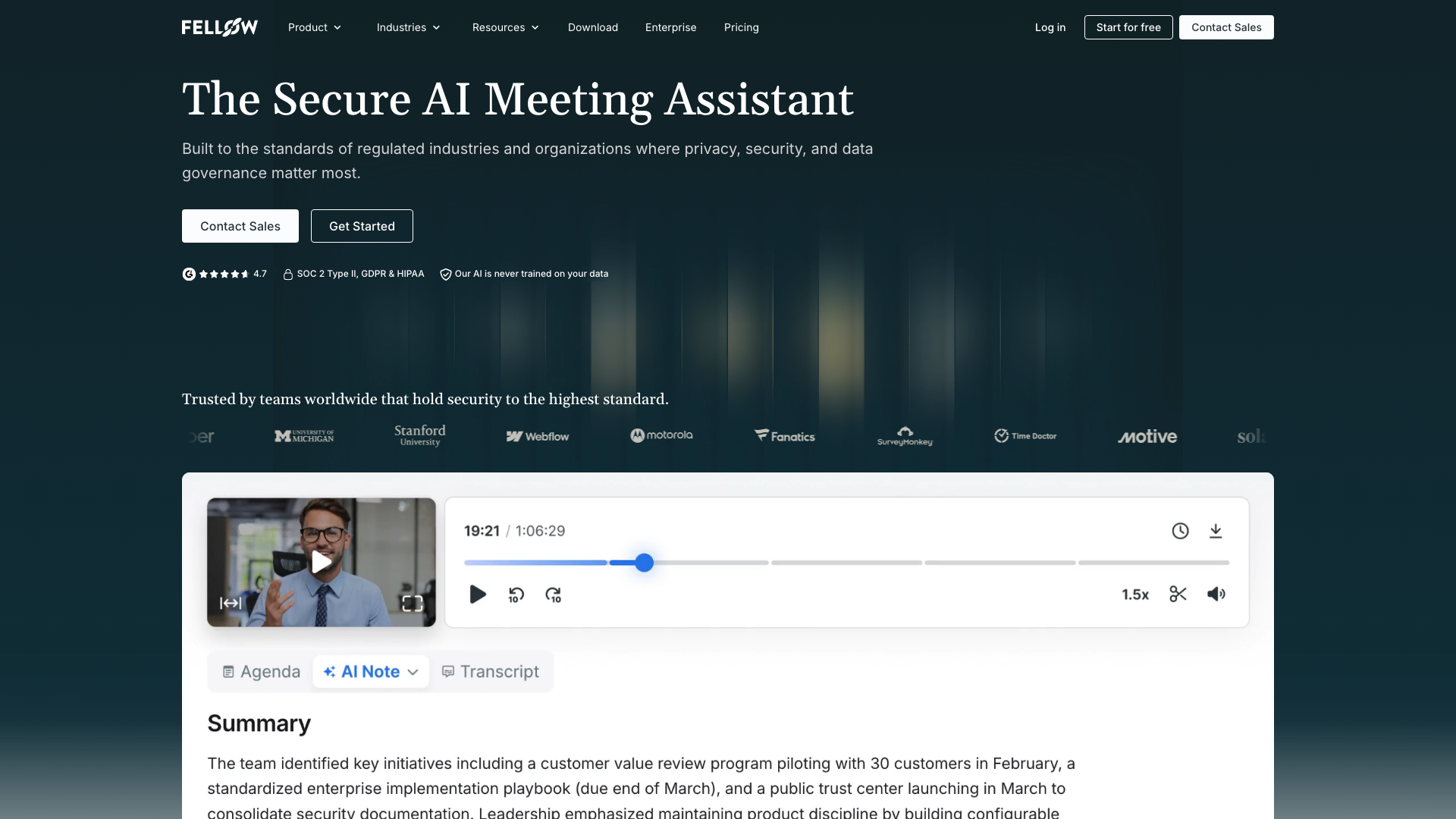
Fellow spent years as the collaborative agenda tool of this category. Its homepage now reads "The Secure AI Meeting Assistant", the domain moved from fellow.app to fellow.ai, and recording sits at the centre of the product. The agenda features are still there, which is why it leads this group rather than sitting in the middle of it.
You get agendas and action items alongside recording, transcription in 99 languages, AI notes, and integrations with Google Meet, Teams and Zoom. Business adds Salesforce and HubSpot sync plus keyword tracking, which shows which buyer it is built for now.
Five users get 5 AI notes and 5 AI recordings each, for the lifetime of the account rather than per month, so the free plan functions as a trial. Team is $7 per user per month billed annually, or $11 monthly, capped at 20 users. Business is $15 annually, or $23 monthly, capped at 50. Enterprise is $25 annually with a 10-user minimum.
The historical Capterra listing carries 4.9 from 37 reviews, a second listing for the new product carries none, and G2 carries 4.7 from 2,437. The Capterra figure understates how widely it is used.
6. Fireflies.ai
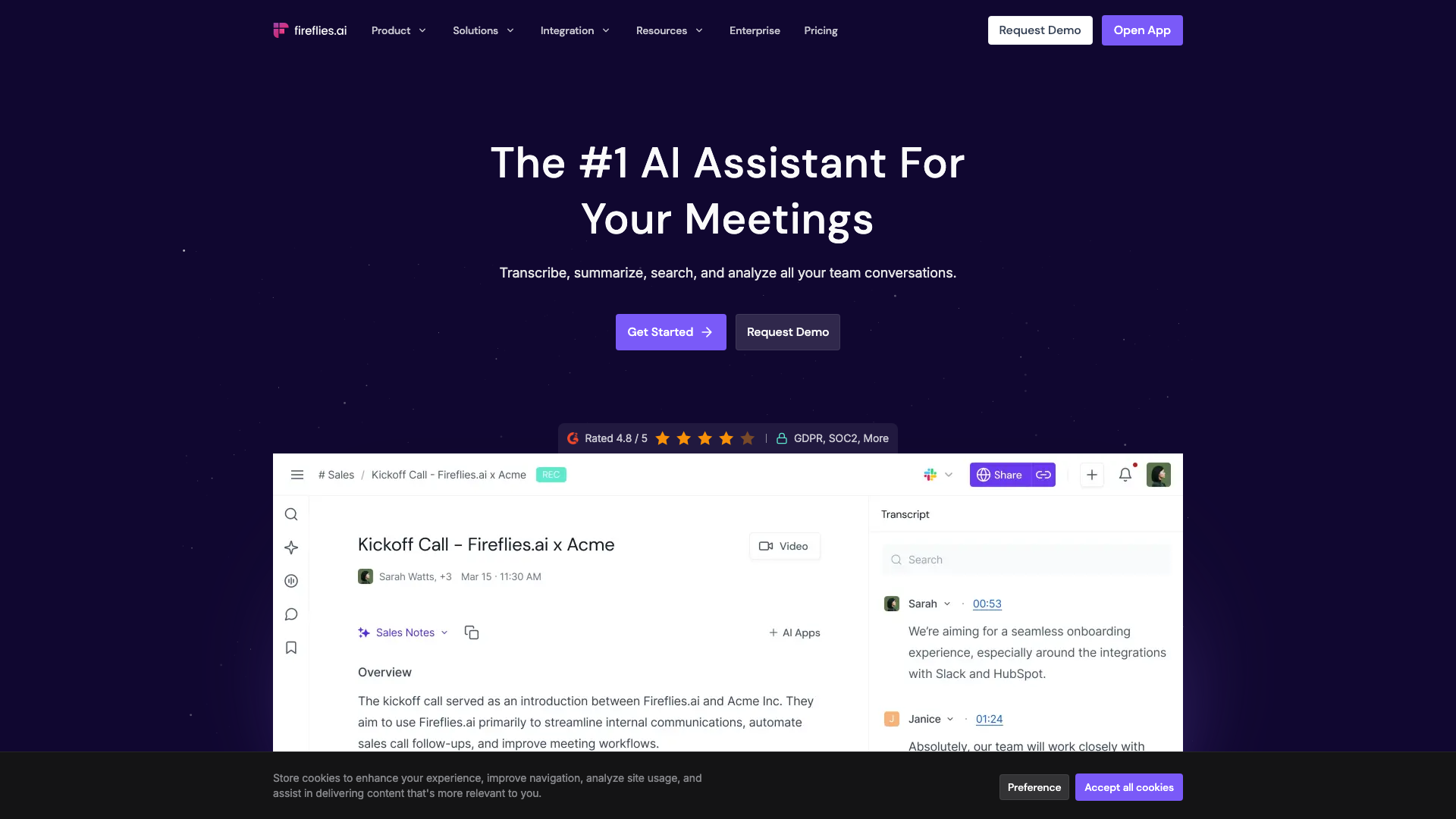
Fireflies.ai is the one in this group that pushes hardest past the transcript. It includes an action item and task manager, AskFred for querying past meetings in natural language, topic trackers, sentiment analysis and speaker talk-time analytics, plus unlimited integrations from the Pro tier up.
The free plan transcribes without a meeting cap but keeps only 400 minutes of storage for the whole team and 20 one-time AI credits, so it fills up fast on a real team. Pro is $10 per seat per month billed annually, or $18 monthly, with 8,000 minutes of storage per seat and video recording. Business is $19 annually, or $29 monthly, and adds unlimited storage, conversation intelligence and admin analytics. Enterprise is $39, annual billing only, with HIPAA compliance, SSO and SCIM. Recording length is capped by tier, at 2 hours up to Pro and 4 hours on Enterprise.
Capterra rates it 4.9 from 735 reviews, one of the larger samples in this comparison.
7. Fathom
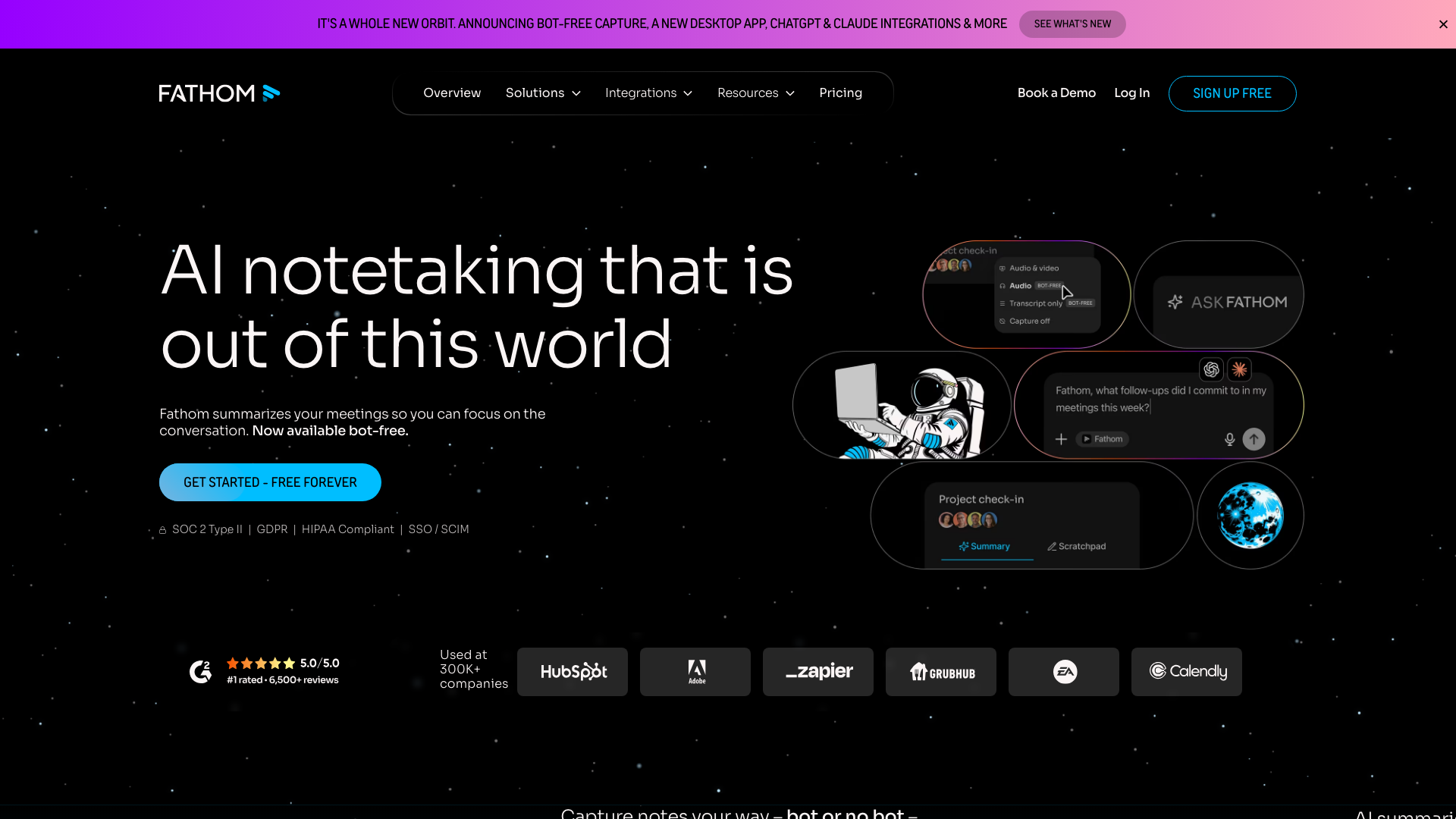
Fathom has the most generous hosted free tier in this article. It gives unlimited recordings and transcriptions, instant AI summaries, clips, playlists and search across calls, at no cost, plus a bot-free capture mode in beta for anyone who dislikes a visible participant joining the call.
The paid tiers add analysis rather than volume. Premium at $16 per user per month billed annually adds advanced summaries, AI-generated action items and a conversational assistant. Team is $15 per user per month annually with a 2-user minimum, adding global search and collaboration. Business is $25 annually with CRM field sync, Deal View and coaching metrics.
Capterra rates it 5.0 from 809 reviews and G2 5.0 from 7,016. Watch for the name collision when you research it: a different Fathom sells financial reporting software.
Fathom is excellent at giving you the call back. Like every other tool in this group, it shapes nothing about the meeting before it starts.
8. Otter.ai
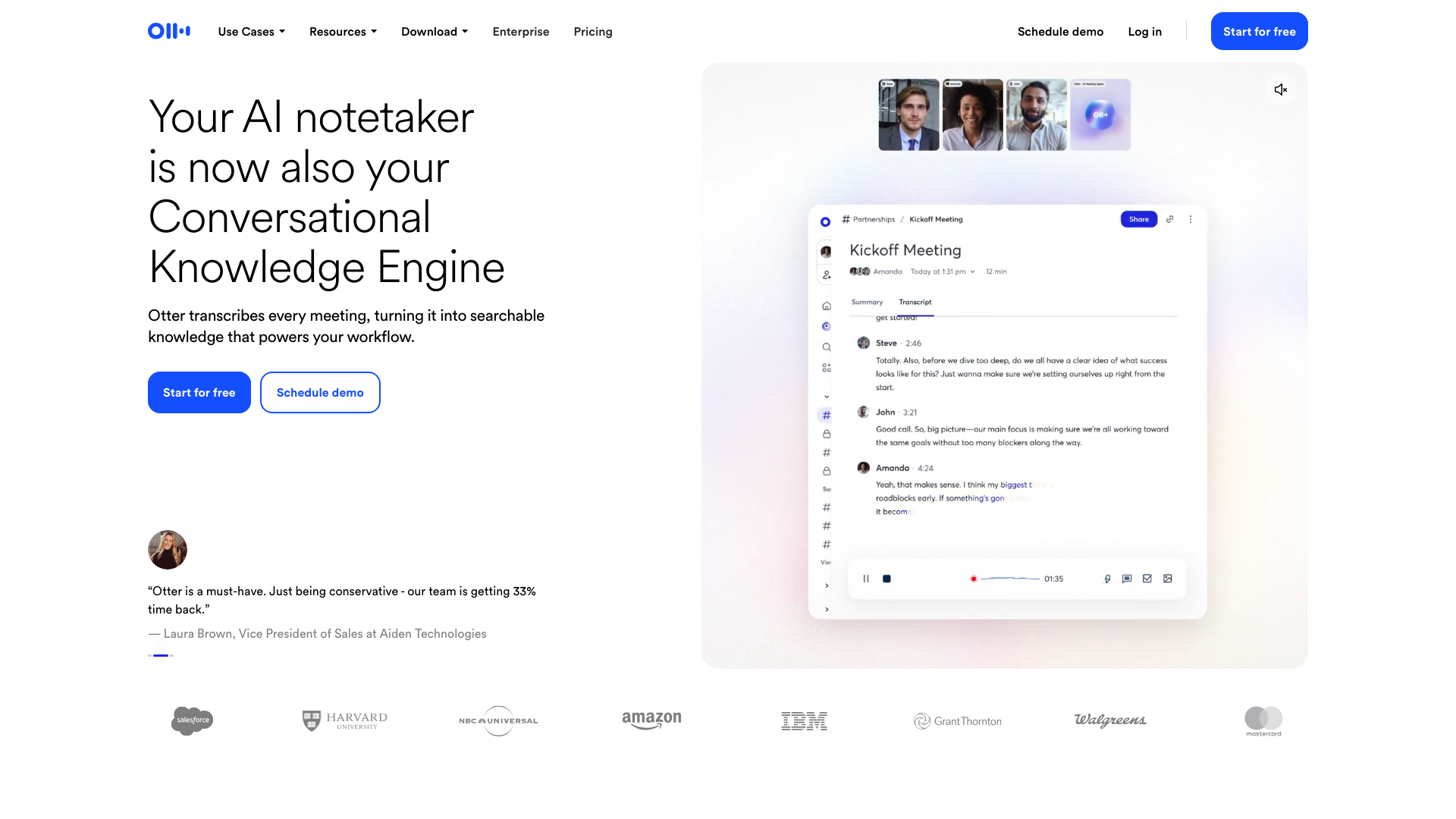
Otter.ai is the name most people already know, and it is the most conservative product in this group. It transcribes, identifies speakers, summarises and searches, all done well, with fewer features than Fireflies wraps around the same job.
Anyone can transcribe 300 minutes a month with no payment method and no seat commitment, which is the lowest-friction way for one person to try this category. Pro is $8.33 per user per month billed annually, or $16.99 monthly, with 1,200 minutes per user. Business is $19.99 annually, or $30 monthly, with unlimited meetings and a 5-user minimum. SSO and SCIM arrive on Enterprise at a 100-user threshold.
Capterra rates it 4.4 from 103 reviews and G2 4.4 from 505, the rare case where two sources agree closely.
Group three: the meeting produces a formal minute
These two exist for boards, and the product they sell is the record rather than the meeting. They assemble a board book from documents, turn an agenda into an approved minute, capture votes and resolutions with the formality your bylaws require and your auditors check, and build permissions around directors, committees and observers.
The price reflects that. Boardable costs several times what group one charges per seat, and more than any AI notetaker asks to get started. OnBoard publishes nothing at all. Both are sold to organisations where a defective minute is a legal problem rather than an inconvenience.
9. Boardable
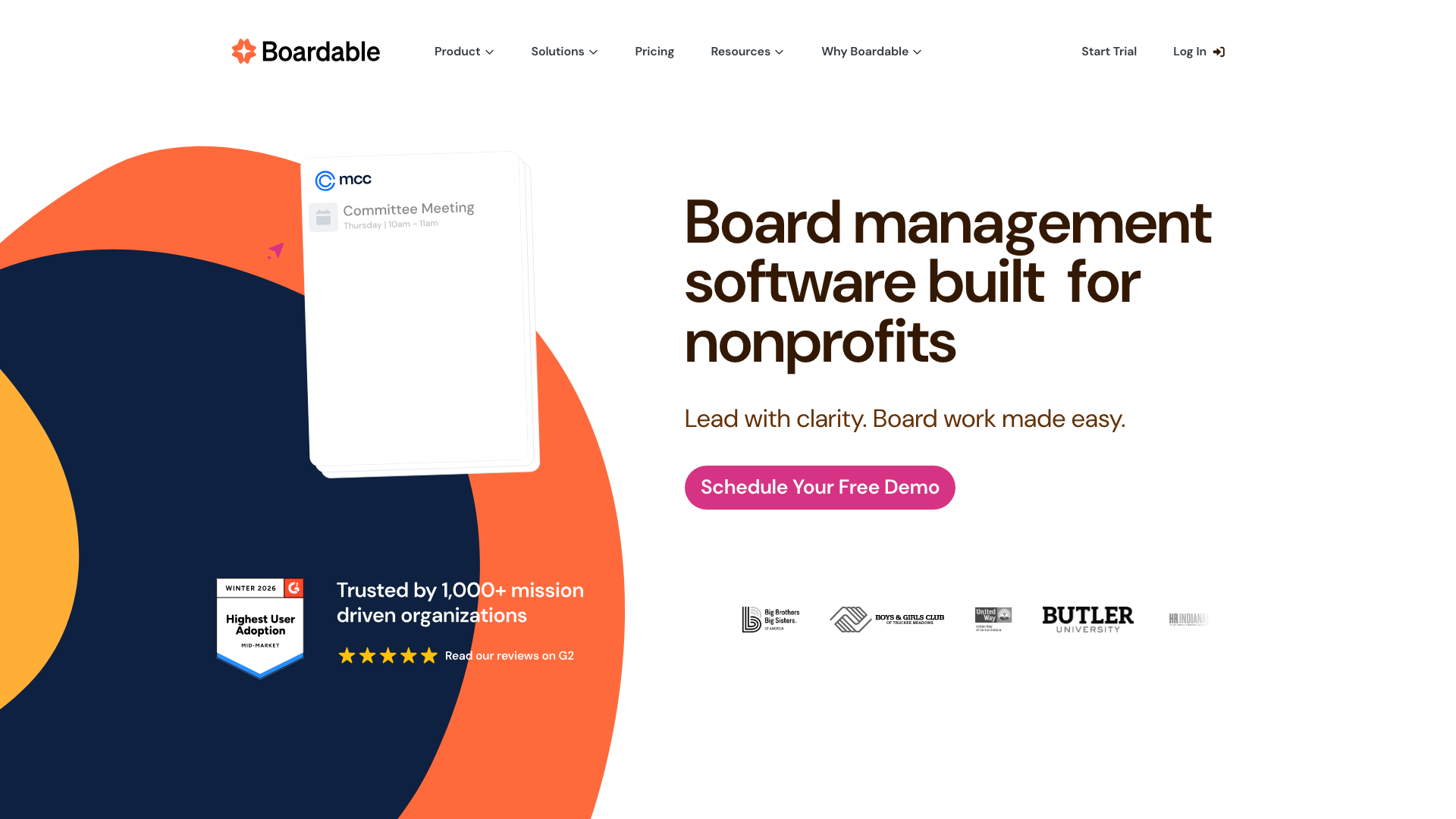
Boardable is the one of the two that publishes its prices, and it aims at nonprofit and mid-sized boards rather than at enterprise ones.
Essentials is $20.99 per user per month billed annually, with an agenda builder, a document centre, board packet generation and a 1,000-file storage limit. Professional at $29.99 removes the storage cap and adds e-signatures, governance forms, public sites and basic surveys. Professional+ at $35.99 adds AI meeting minutes, unlimited surveys and Boardable Video at no extra charge. Every tier starts with a 14-day trial that includes full Professional features.
Capterra rates it 4.7 from 128 reviews. Everyone with platform access counts as a user, including committee members and observers, while meeting guests need no seat.
10. OnBoard
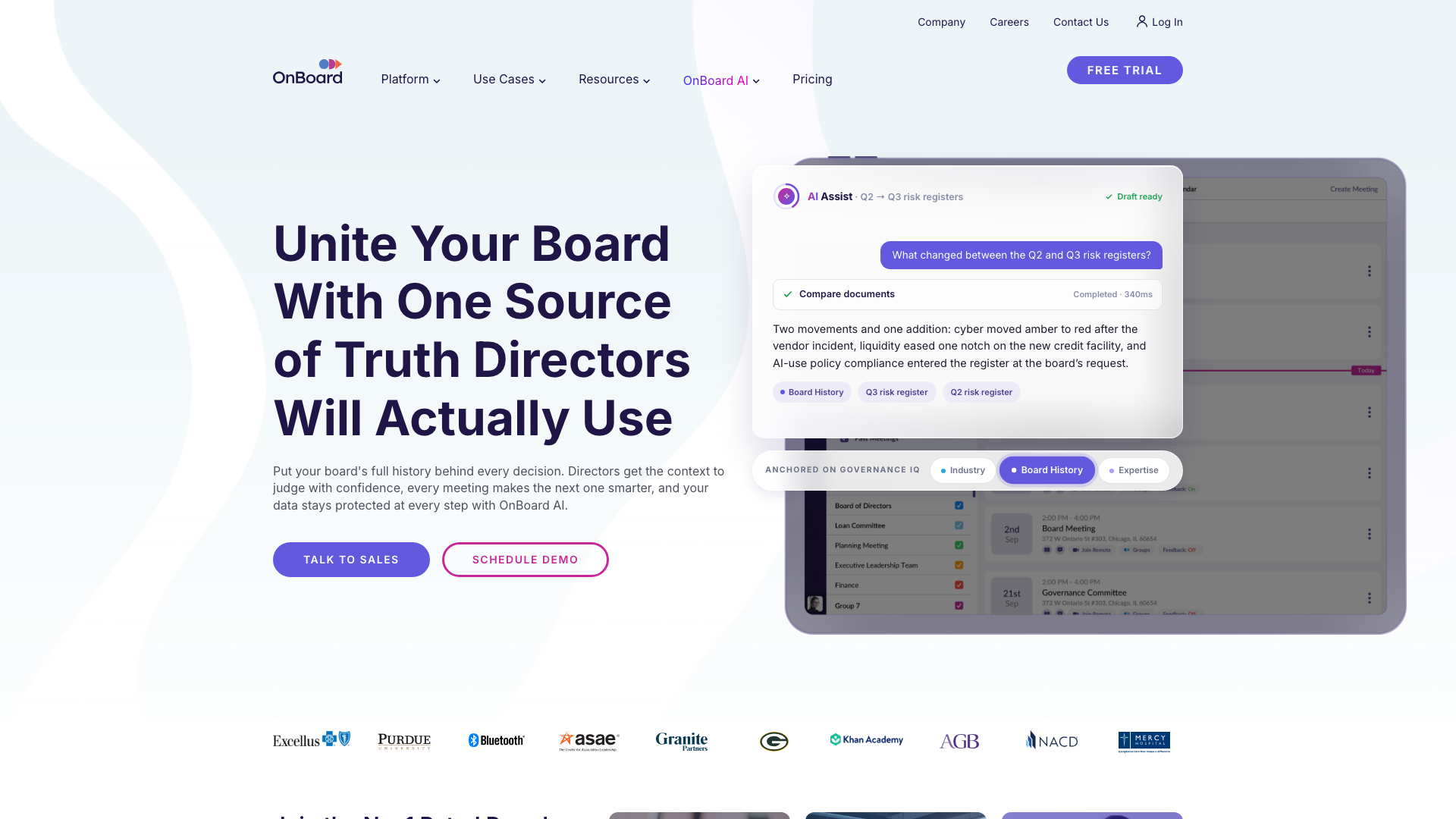
OnBoard is the larger of the two by review volume, with 1,058 Capterra reviews at 4.7 and 687 on G2 at the same score. It sells secure agendas, board books, meetings and minutes across three tiers named Essentials, Premium and Ultimate.
None of those tiers carries a price. The pricing page describes what each includes and routes you to a demo, and the FAQ says the cost depends on your plan and user count. Treat any figure you find elsewhere as unverified, and expect a sales call before you can put it next to Boardable on a spreadsheet.
Also on the shortlist
Loomio is open source, built by a worker cooperative in Aotearoa New Zealand since 2011, and it handles asynchronous decisions rather than meetings. Pricing goes by group instead of per seat, at $399 a year for up to 30 members on Starter, with nonprofit rates at $299. There is a 14-day trial rather than a free tier. Capterra rates it 4.8 from 26 reviews.
Parabol runs retrospectives and sprint rituals with more care than any general meeting tool, and it stops at the edge of that use case. Capterra carries 11 reviews at 4.6, too small to read much into, while G2 carries 89 at the same score.
Notion and Confluence both host meeting notes competently and structure nothing about the meeting itself. They belong on the list of places the output can be kept rather than on the list of tools that produce it.
How to choose
Five questions settle this faster than a feature matrix.
Do you need the words, or the decisions?
If people leave your meetings disagreeing about what was said, group two solves that and nothing else does. If they leave agreeing about what was said and unclear about who owns it next, a transcript changes nothing and group one is what you need. Nothing in group one records audio, ours included, so a team that needs the words back is buying from group two whatever else it runs. Plenty of teams need both, and the two families cost little enough together that running one from each is a reasonable answer.
Does a lawyer or an auditor read your minutes?
If yes, group three exists for that and the per-seat price is the cost of the guarantee. If no, you would be paying $20.99 to $35.99 a seat for formality nobody checks.
How many people know who decides what?
When one person can answer every "who decides this" question, a shared document is enough and none of these tools pay for themselves. When six team leads each know their own part, group one is built for exactly that gap.
What will it cost at your size?
The floors matter more than the rates. OpenProject bills at least 25 users on Basic, which turns €5.95 into €148.75 a month. Otter's Business tier bills at least 5, Fellow's Enterprise tier at least 10, Fathom's Team tier at least 2. For a 12-person company, several tools here cost nothing and several cost four figures a year.
Watch what each plan caps, ours first. Rolebase is free to 5 active members and then bills every active member, so a 40-person company pays €200 a month rather than nothing. Fellow's Team tier admits 20 users at most and its Business tier 50, which puts that same company on Business at $600 a month. GlassFrog is $280 at 40 people before its add-ons, and OpenProject €238. Run your own headcount through every floor and ceiling before you shortlist anything.
Can you leave with your data?
Rolebase and OpenProject are the two you can run on your own servers, under MIT and GPLv3. Everywhere else, ask for the export formats during the demo, since few of these vendors publish them.
If your shortlist has narrowed to one name, we compared talkspirit, GlassFrog and Loomio in more depth.
If you want the method rather than the software, we wrote up what a productive team meeting takes, the agenda templates that fit each meeting type, and the full governance meeting and tactical meeting processes.
Frequently asked questions
What is the best meeting management software?
The answer depends on which job you are buying, because the category holds three different kinds of product.
For recurring team meetings that need to end with decisions and owners, look at Rolebase, talkspirit, GlassFrog or OpenProject. For a faithful record of what was said on a call, look at Fellow, Fireflies, Fathom or Otter. For a board that approves formal minutes, look at Boardable or OnBoard.
Buying the wrong family is the common mistake. A board cannot approve an AI transcript, and an engineering team opens a board portal once and never again.
What is the best free meeting organizer app?
Five free tiers are worth the name in 2026, and they differ by what they cap.
Fathom allows unlimited recordings and transcriptions at no cost, the most generous of the hosted offers here. OpenProject's community edition is free at any number of users if you host it yourself. GlassFrog covers 10 users with unlimited circles, roles and meetings. Otter gives 300 transcription minutes a month with no payment method and no seat commitment. Rolebase covers 5 active members with every feature, and people who need no account appear in the org chart at no cost.
Fellow's free plan stops at 5 AI notes and 5 AI recordings per user for the lifetime of the account, so treat it as a trial.
Can ChatGPT do meeting minutes?
It writes the minute. Capturing the meeting takes something else.
Paste a transcript or your rough notes into a language model and you get clean minutes in seconds, which genuinely saves time. What it cannot do is join the call, know who was present, or put the result anywhere your team will look for it in March.
That is the whole gap these tools fill. Group two handles the capture, group one handles where the result is kept, and the writing is the part that was already easy.
What is the 40/20/40 rule for meetings?
It splits the effort around a meeting into 40% preparation, 20% the meeting itself and 40% follow-up. The point of the ratio is that the hour in the room is the smallest part of the work. Most teams spend nothing before and nothing after, which is why the same topics come back week after week.
Software helps at both ends rather than in the middle. A shared agenda written in advance carries the first 40%, and outcomes recorded against an owner carry the last 40%.
Do I need meeting software if we already use Notion or Confluence?
You need it when the notes stop being read. A wiki page holds a meeting record well. It holds a commitment badly, because nothing in it reminds anyone that a task was assigned three weeks ago. Teams usually notice this when the same item reappears on an agenda for the third time.
Keep the wiki for what has to last. Add a tool from group one when you need the outcomes to carry an owner and a date, or one from group two when you need the recording.
Is there open source meeting management software?
Two of the ten publish their source, and Loomio, which did not make the ten, publishes its own too.
Rolebase ships under the MIT licence and can run on your own Nhost, Hasura and PostgreSQL stack. OpenProject ships under GPLv3, and its community edition costs nothing at any number of users when you host it. Loomio is open source as well, built by a worker cooperative, though its hosted plans are the practical route for most teams.
No AI notetaker in this comparison is open source, and neither board portal is.
How much does meeting management software cost?
The price runs from nothing to $39 per user per month, and the family decides which end you land on.
Structured meeting tools sit at the bottom, from free to $7 a seat to get in, with their upper tiers reaching €15.95. Each vendor prices in its own currency, so read the figures as the vendors publish them rather than as a converted scale. AI notetakers occupy the middle, from $7 to $39 a seat on annual billing, with the bill driven by storage and AI credits rather than by features. Board portals start highest, from $20.99 a seat, and they are the only family where what you pay for is the formality itself. Two vendors in this article publish no price at all.
Check the seat floors before you compare rates. A €5.95 plan with a 25-user minimum bills €148.75 whatever your size, so it stays more expensive than a €10 plan with no floor until you reach 15 people.
Where to start
Name what your meetings currently lose before you shortlist anything. Teams that lose the words need group two, teams that lose the follow-through need group one, and teams that must produce a defensible record need group three. Very few need all three, and nobody needs to decide between them by watching ten demos.
Rolebase is free for 5 active members with every feature, and the rest of your organisation appears in the org chart at no cost. That is enough to run your recurring meetings for a few weeks and see whether decisions attached to roles change what happens between sessions.


