
Best Alternative to Peerdom for Team Governance and Meetings
Looking beyond Peerdom? Rolebase pairs org chart visualization with structured meetings, tasks and asynchronous collaboration, on open-source code.
March 28, 2026
If your team has outgrown its org chart tool and needs a platform that also handles meetings, tasks, and governance decisions, you are probably evaluating alternatives to Peerdom. Both Peerdom and Rolebase help organizations visualize who does what, but they approach the problem from different angles. This article offers a thorough, honest comparison so you can choose the right fit for your team.

Peerdom is a strong org chart platform
Peerdom deserves recognition for what it does well. The Swiss-made platform turns static org charts into living, interactive maps that multiple team members can update collaboratively. Its multiple visualization modes (circles, trees, pyramids, and even 3D views) give organizations real flexibility in how they represent their structure. Peerdom has earned the trust of well-known organizations such as Bayer, Greenpeace, and Doctors Without Borders, and it consistently receives high ratings from users who value its visual clarity and responsive support team.
For organizations whose primary need is a beautiful, real-time organizational map, Peerdom is a solid choice.
Why teams look for alternatives to Peerdom
Despite its strengths, teams regularly look for alternatives. Based on user reviews on Capterra and GetApp (as of early 2026), here are the most common reasons.
Add-on costs add up quickly
Peerdom's base plan covers mapping, but many features that teams consider essential (goals, projects, feedback, directory with SSO) are sold as separate add-on apps at 1 CHF each per user per month. For a 50-person team on Peerdom+, choosing four add-ons brings the total to 450 CHF/month (about 470 EUR). Users have noted that some of these add-ons "feel like they should be included in the base product."
Mapping alone is only half the picture
Peerdom excels at showing who does what, but many teams also need tools to act on that clarity. Running structured meetings, tracking tasks, and making governance decisions are workflows that happen alongside the org chart. When a platform only handles visualization, teams end up juggling multiple tools, which creates the same fragmentation they were trying to solve.
Limited integrations with everyday tools
Several reviewers have requested deeper integrations with Google Workspace, Notion, and Slack. While Peerdom offers an API and some integrations, teams that rely heavily on these ecosystems may find the connections too shallow for their daily workflow.
The interface can feel dated
Some users have described Peerdom's design as having "before 2000 vibes," noting that while it works well functionally, the user interface could benefit from modernization. Design is subjective, but in a tool that every team member interacts with daily, user experience matters.
How Rolebase approaches things differently
Rolebase is an open-source platform built for decentralized organizations that want more than just a map. It combines organizational visualization with structured meetings, task management, asynchronous discussions, and governance decisions in a single tool.
A complete governance platform, not just an org chart
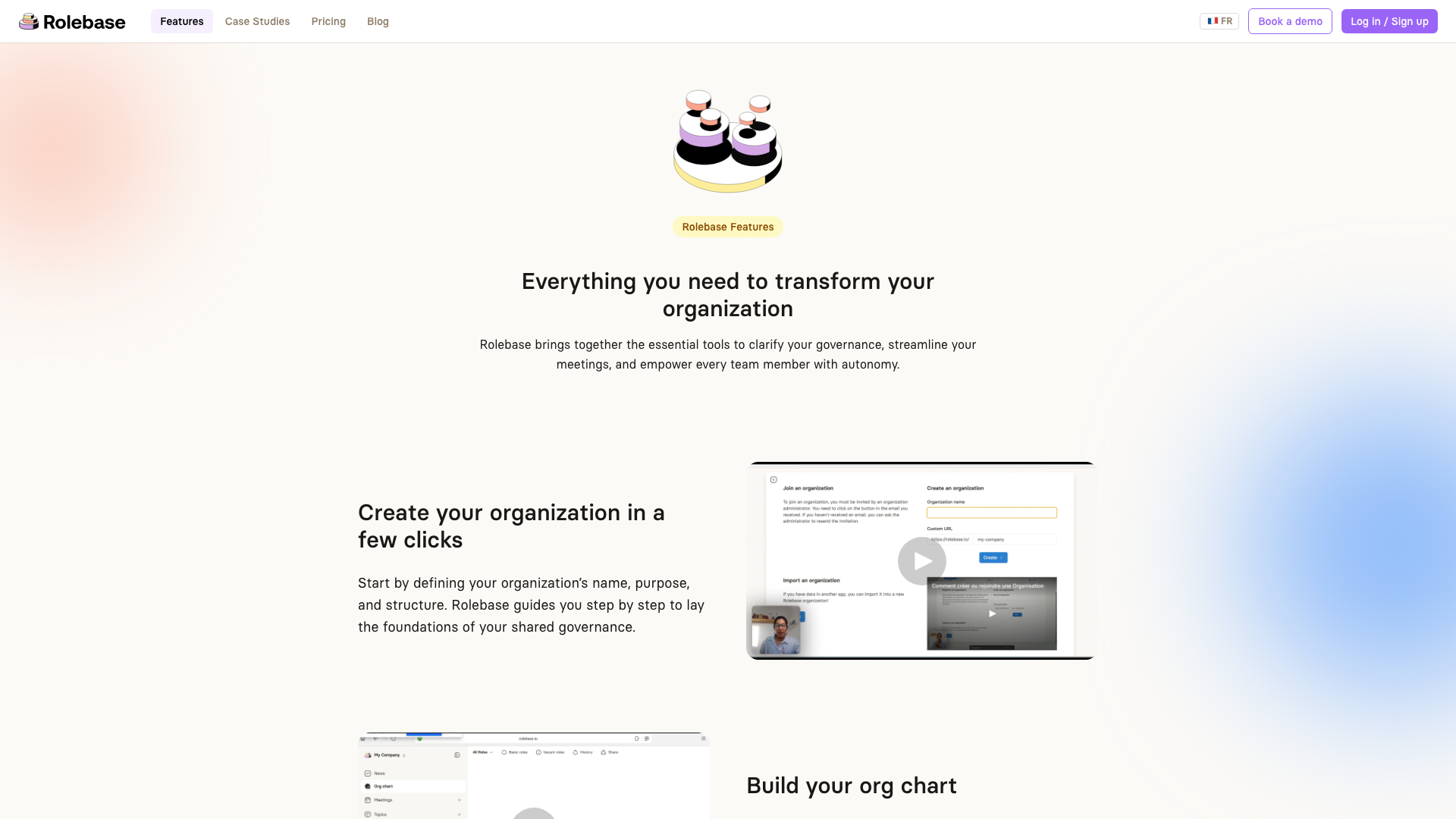
Where Peerdom focuses on organizational mapping and adds governance features through separate apps, Rolebase was designed from the start as an all-in-one governance platform. The dynamic org chart is one piece of a larger system that includes structured meetings (with collaborative agenda and automatic notes), task tracking within roles, asynchronous discussions, and governance decision recording. Every feature is available on every plan, with no add-ons to unlock.
Meetings that follow a proven structure
One of Rolebase's most distinctive features is its meeting system. Each meeting follows a step-based flow inspired by Holacratic governance and tactical meetings: a check-in tour, checklist review, indicators, task updates, and discussions. The facilitator guides the group through each step, keeping discussions focused and productive. Teams report that this structure helps them cut meeting time significantly while making better decisions.
Peerdom does not offer built-in meeting management. Teams using Peerdom typically need a separate tool for this workflow.
Open source and self-hostable
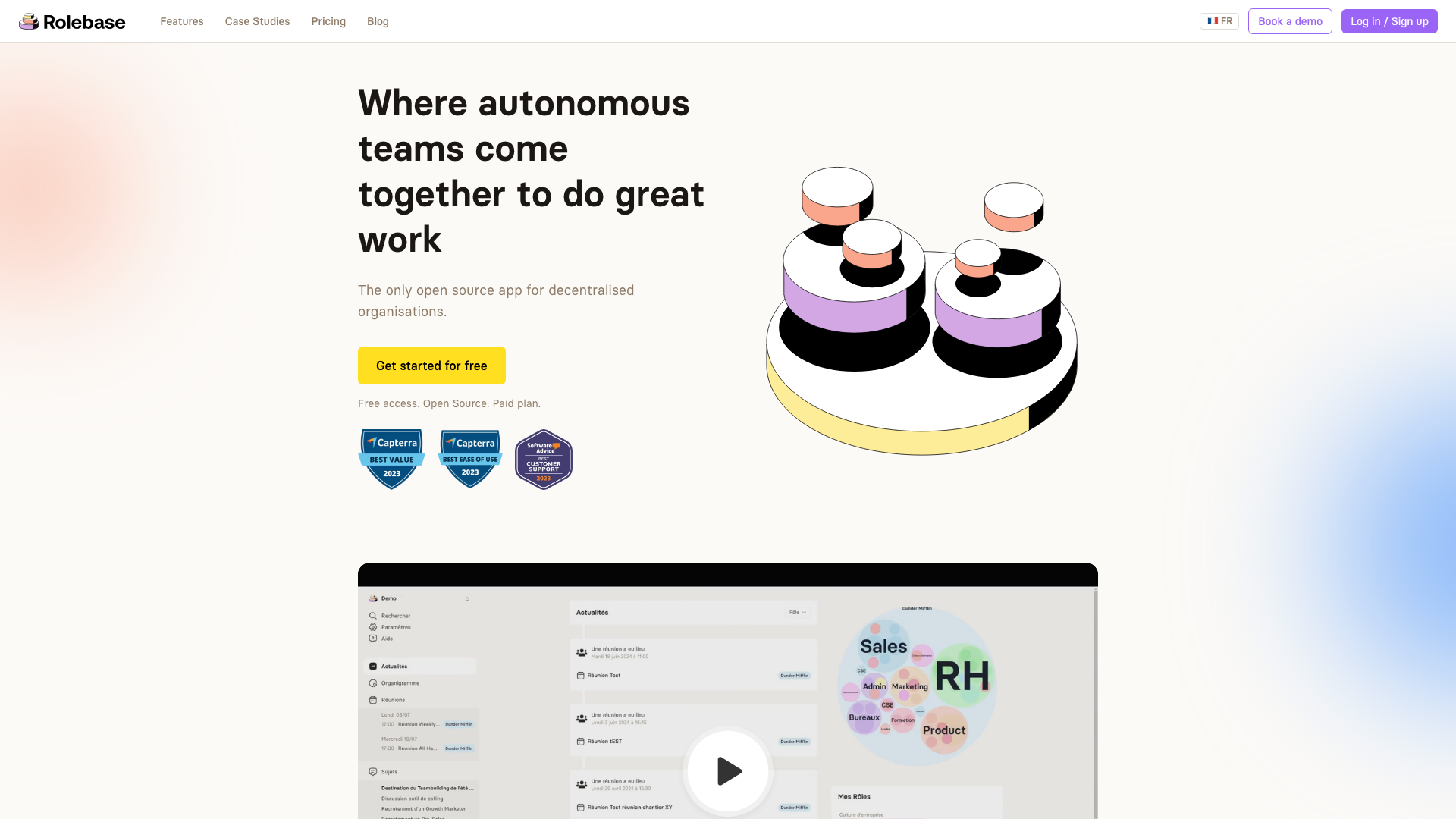
Rolebase's entire source code is available under the MIT license on GitHub. This means your team can audit the code, contribute improvements, or self-host a private instance on your own infrastructure. For organizations with strict data sovereignty requirements or those that want full control over their tools, this is a meaningful differentiator.
Peerdom is proprietary software. While it offers on-premise deployment for enterprise customers (600+ members), this is a custom arrangement with custom pricing, and you do not get access to the source code.
All features included at every price point
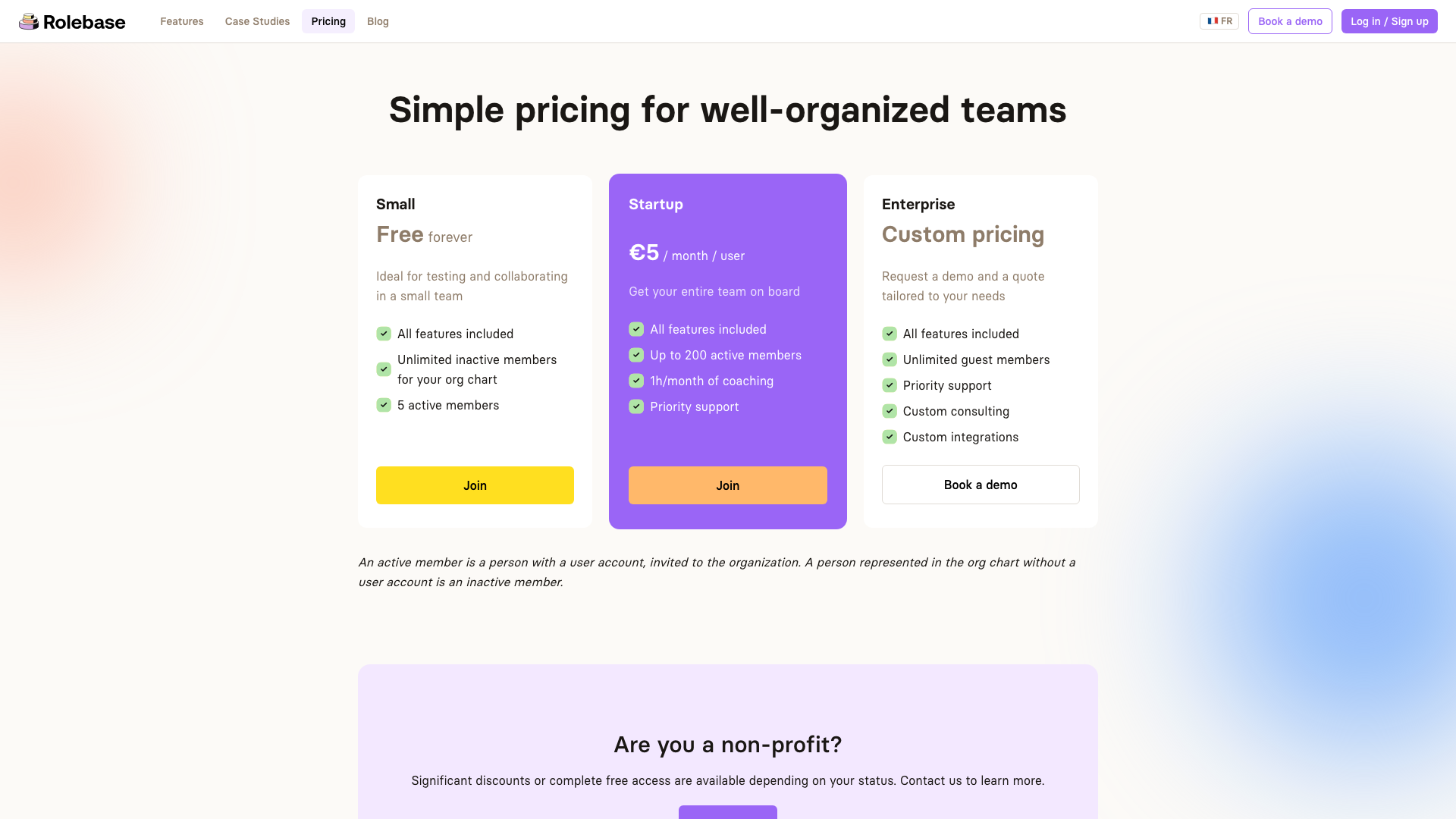
Rolebase takes a simpler approach to pricing. The free plan includes all features for up to 5 active members (with unlimited inactive members for your org chart). The paid Startup plan at 5 EUR per user per month includes everything as well, plus coaching time and priority support. There are no feature gates, no add-on apps, and no surprises on the invoice.
Built for Holacracy, Sociocracy, and custom governance models
Rolebase was designed with self-governing teams in mind. Its role model distinguishes between roles (definitions with purpose, domain, and accountabilities) and their representation in the org chart. The platform supports Holacratic meeting formats out of the box while remaining flexible enough for teams that practice Sociocracy, custom horizontal governance, or are simply exploring more autonomous ways of working.
Peerdom also supports self-organizing teams and offers templates for various organizational models, so both tools serve this audience. The difference is in the depth of the governance tooling built around the org chart.
Feature comparison
This comparison reflects features available as of March 2026. Both products are actively developed, so check their respective websites for the latest information.
| Feature | Rolebase | Peerdom |
|---|---|---|
| Interactive org chart | Yes, with 3 views (Circles, Hierarchical tree, Photo directory) and an optional folded display | Yes, with multiple views (circles, trees, pyramids, 3D) |
| Role definitions (purpose, domain, accountabilities) | Yes, built-in | Yes, customizable fields |
| Structured meetings with facilitator flow | Yes, with steps and automatic notes | No built-in meeting tool |
| Task management within roles | Yes | Via Projects add-on app |
| Asynchronous discussions | Yes, within roles | Limited |
| Governance decision recording | Yes | Via add-on apps |
| OKR / Goal tracking | Planned | Via Goals add-on app |
| P2P Feedback | Planned | Via Feedback add-on app |
| Calendar integration (iCal) | Yes | Limited |
| Data import (including from Holaspirit) | Yes | Yes |
| SSO/SAML | Enterprise plan | Via Directory add-on (Peerdom+/Pro) |
| Open source | Yes, MIT license | No |
| Self-hosting | Yes, free | Enterprise only (600+ members, custom pricing) |
| API access | Yes, GraphQL | Yes |
| Real-time collaborative editing | Yes | Yes |
| Export org chart as image | Yes (PNG) | Yes |
| GDPR compliant | Yes, EU servers | Yes, Swiss data protection (LPD, GDPR) |
Pricing comparison
Peerdom pricing (March 2026, annual billing):
- Free: Up to 10 members, core mapping features
- Peerdom+: 5 CHF/user/month + 1 CHF per add-on app per user/month. Includes Journal, Missions, and Network apps.
- Peerdom Pro: 15 CHF/user/month, all apps included
- Monthly billing costs 20% more. Non-profit discount of 15%.
Rolebase pricing (March 2026):
- Small (Free): All features, up to 5 active members, unlimited inactive members
- Startup: 5 EUR/user/month, all features, up to 200 active members, 1h/month coaching, priority support
- Enterprise: Custom pricing, unlimited guests, custom integrations
Total cost example for a 50-person team:
| Rolebase Startup | Peerdom+ (3 add-ons) | Peerdom Pro | |
|---|---|---|---|
| Monthly cost | 250 EUR | ~400 CHF (~415 EUR) | 750 CHF (~780 EUR) |
| Features included | All | Base + 3 selected apps | All apps |
Rolebase also offers significant discounts or free access for nonprofits.
Both platforms offer a free tier to get started, which makes it easy to test either one before committing.
Who should choose which?
Choose Peerdom if:
- Your primary need is a visually rich organizational map with multiple display modes (especially 3D views and public-facing maps)
- You are a large enterprise (600+) that needs on-premise deployment with dedicated account management
- You are going through a merger or acquisition and need specialized visualization for that process
- You already use Peerdom and are satisfied with adding functionality through their app ecosystem
Choose Rolebase if:
- You need an all-in-one platform that combines org chart, meetings, tasks, and governance decisions
- Structured meetings with facilitation tools are important to your team
- You want open-source software that you can audit, modify, or self-host
- You prefer predictable pricing with all features included at every tier
- You practice Holacracy, Sociocracy, or are transitioning toward horizontal management
- You are a small to medium team (5-200 people) looking for the best value
Making the switch
Switching from Peerdom to Rolebase is straightforward. Rolebase supports data import, so you can bring in your organizational structure without rebuilding everything from scratch. The typical migration process looks like this:
- Export your structure from Peerdom
- Create your Rolebase organization and import your roles and members
- Invite your team and let them explore the familiar org chart with the added meeting and task features
- Run your first meeting using Rolebase's structured format to immediately see the difference
Most teams complete the transition within a few days. Rolebase's documentation covers the import process in detail, and support is available if you need help.
Conclusion
Peerdom and Rolebase both help teams move beyond static org charts, but they serve different needs. Peerdom is a visualization-first platform that adds governance capabilities through modular apps. Rolebase is a governance-first platform that includes visualization alongside meetings, tasks, and collaborative decision-making.
The best choice depends on whether your team primarily needs a better org chart or a complete system for running a self-governing organization. Both offer free tiers, so the most reliable way to decide is to try each one with your team and see which workflow fits better.


