
Six open source tools for your org chart, compared
Six open source tools for your org chart, with their license, best use and limits. Some tools on the usual lists are open source in name only.
May 25, 2025
Updated on August 5, 2026
- Licenses checked in July 2026: draw.io under Apache 2.0, LibreOffice Draw under MPL 2.0, PlantUML under GPL, d3-org-chart under MIT, Dia under GPL v2 or later, Rolebase under MIT.
- Dia sits on nearly every list, while its last published archive, dia-0.97.3, dates from September 5, 2014 on download.gnome.org.
- BALKAN's OrgChart JS is often filed under open source. Its EULA says “The Software is licensed, not sold” and its perpetual licenses run from $399 to $4,999.
- A diagram editor gives you a picture that someone redraws at every change. A governance app gives you data that the teams maintain themselves.
Most lists of open source org chart tools copy the same names around without ever opening a license file. You end up with a JavaScript library that sells for $399 a seat and a desktop program whose last stable release came out in September 2014.
I went back through that list and checked three things for every tool, in July 2026: the exact license, the date of the last release, the real price. Here is what is left, with the case where each one is the right call and the case where it will waste your afternoon.
The comparison
| Tool | License | Type | Good for | Where it hurts |
|---|---|---|---|---|
| draw.io (diagrams.net) | Apache 2.0 | Diagram editor, browser and desktop | Getting a clean org chart out in an hour, with no account to create | The drawing knows nothing about the people, every change is redone by hand |
| LibreOffice Draw | MPL 2.0 | Vector drawing module of LibreOffice | Dropping an org chart into a handbook or a printed document | One person at a time, layout entirely manual |
| PlantUML | GPL, with LGPL, MIT, Apache and EPL variants | Diagrams generated from text | Versioning the org chart in a Git repo and reviewing it in a pull request | Technical teams only, layout is hard to steer |
| d3-org-chart | MIT | JavaScript library built on D3 | Showing an org chart inside your own app or intranet | You need a developer, and the last npm release dates from September 2023 |
| Dia | GPL v2 or later | Desktop diagram editor | Reopening old .dia files | Last stable release in September 2014 |
| Rolebase | MIT | Governance app: roles, meetings, decisions | An org chart every team keeps current itself | No free drawing, the structure follows a role model |
Proprietary tools stay out of this list on purpose. If your shortlist mixes both, the best org chart software comparison covers eleven tools, open source or not.
What open source actually gets you here
The reflex is to talk about price. That is the weakest argument, because the proprietary tools in the same segment also have free plans. Three other differences carry far more weight.
You decide where the data lives. draw.io states on its home page that your files stay yours and that the editor has no access to them. They go to your Drive, your OneDrive or your hard disk, and the desktop app works offline. Rolebase installs on your own infrastructure, and the developer documentation walks through it.
The formats stay readable. A .drawio file is XML, a PlantUML diagram is text, a Rolebase export is an XLSX or JSON file. The day you switch tools, your data walks out with you.
The code is auditable. That matters most when the org chart holds personal data and your DPO asks where it travels.
Of course, a license says nothing about the price or the pace of maintenance. Those are two separate questions, and Dia shows further down that they weigh as much as the license itself.
draw.io, also known as diagrams.net
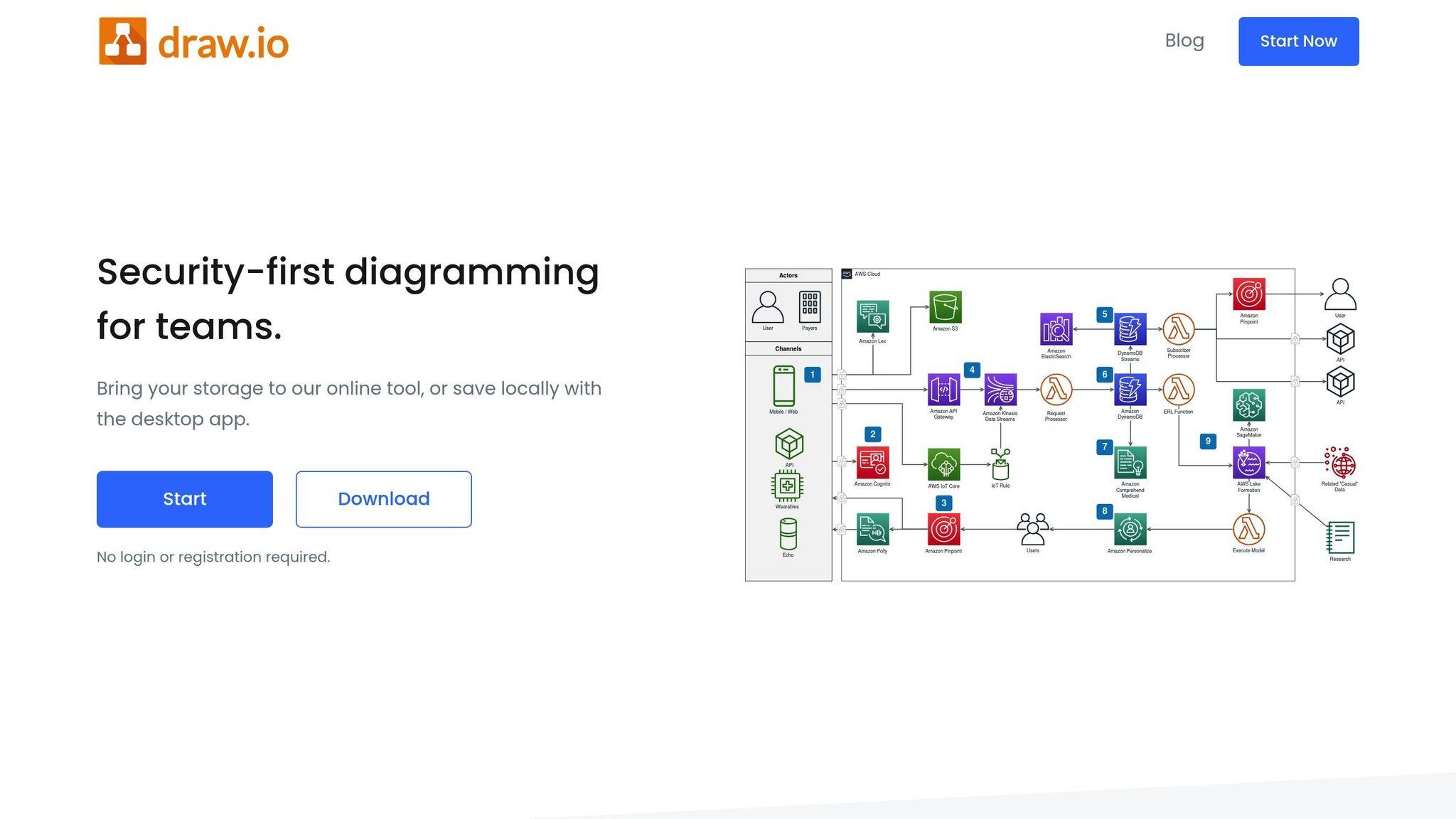
The code ships under the Apache 2.0 license in the jgraph/drawio repository. The project is alive: version 31.1.2 came out on July 26, 2026, and releases land several times a week. The hosted app on app.diagrams.net opens with no account and no credit card, and a desktop app exists for Windows, macOS and Linux.
For an org chart, the tool ticks a lot of boxes. It imports Visio .vsdx, Gliffy and Lucidchart files, which settles the migration away from a proprietary tool. It builds a diagram from a CSV file, so you can start from an HRIS export. It offers automatic layouts, horizontal, vertical, radial or fishbone. It exports to PNG, SVG, PDF, HTML and XML. When the file sits on Google Drive or OneDrive, several people edit at the same time, each with a colored cursor.
The limit comes from the nature of what it produces. A draw.io org chart is a drawing, and the file has no idea that a rectangle stands for a person holding three responsibilities across two teams. A reorg gets retranslated box by box, and whoever owns the file becomes the bottleneck.

LibreOffice Draw
LibreOffice ships under the MPL 2.0 license, and its Draw module handles vector diagrams with connectors, layers and PDF, SVG or PNG export. It runs offline, on machines where LibreOffice is often installed already, and it drops straight into a Writer document or an Impress deck.
It is the right pick when the org chart ends up printed, in a welcome booklet, a brochure or a grant application. You control the typography down to the point, and the result fits a brand guideline.
Draw works solo, and that is where it gets painful. Multi-user editing is absent, the layout stays manual, and every arrival or departure sends you back into the source file. Past fifty boxes or so, aligning connectors becomes a job of its own.
PlantUML
PlantUML generates diagrams from text descriptions. The project ships under GPL, with LGPL, Apache, EPL and MIT variants for the contexts where the GPL blocks. The WBS diagram type suits a team structure well, and Graphviz does the rendering.
The org chart becomes a text file. It lives in the Git repo next to the code, every change goes through review like the rest, and the history shows exactly when a given team was created. IntelliJ IDEA, Eclipse and VS Code render a live preview. GitLab and Confluence render PlantUML blocks inside the pages themselves.
One precaution the project FAQ gives on its own: on the public server, the diagram is encoded in the URL and the traffic goes over HTTP. For a company structure carrying people's names, run a PlantUML server on your own network.
The weak point is human. Outside the technical team, nobody is going to edit a .puml file. The layout is also something you take rather than choose, since Graphviz decides the placement.
d3-org-chart
David Bumbeishvili's library ships under the MIT license, builds on D3 version 7, and covers the org chart need precisely, with collapsible nodes, zoom, a minimap and React, Vue and Angular wrappers. It has around 1,200 stars on GitHub.
This is the building block to pick when you want an org chart inside your own product or on your intranet, with your data and your design.
Two reservations. It is a library, so everything else falls on you, starting with the input interface and the storage. And the pace has slowed down: the last release published on npm is 3.1.1, from September 2023. It works, it moves little.
Shopping for a JavaScript org chart library rather than an application narrows the field fast. d3-org-chart is the MIT option, and it ships React, Vue and Angular wrappers, so the framework you already use rarely settles the choice. The alternatives are commercial diagram suites where the org chart is one layout among many, sold per developer: GoJS and Syncfusion's diagram component sit in that group, and so does BALKAN's OrgChart JS, whatever the roundups say about it.
Dia, the cautionary case
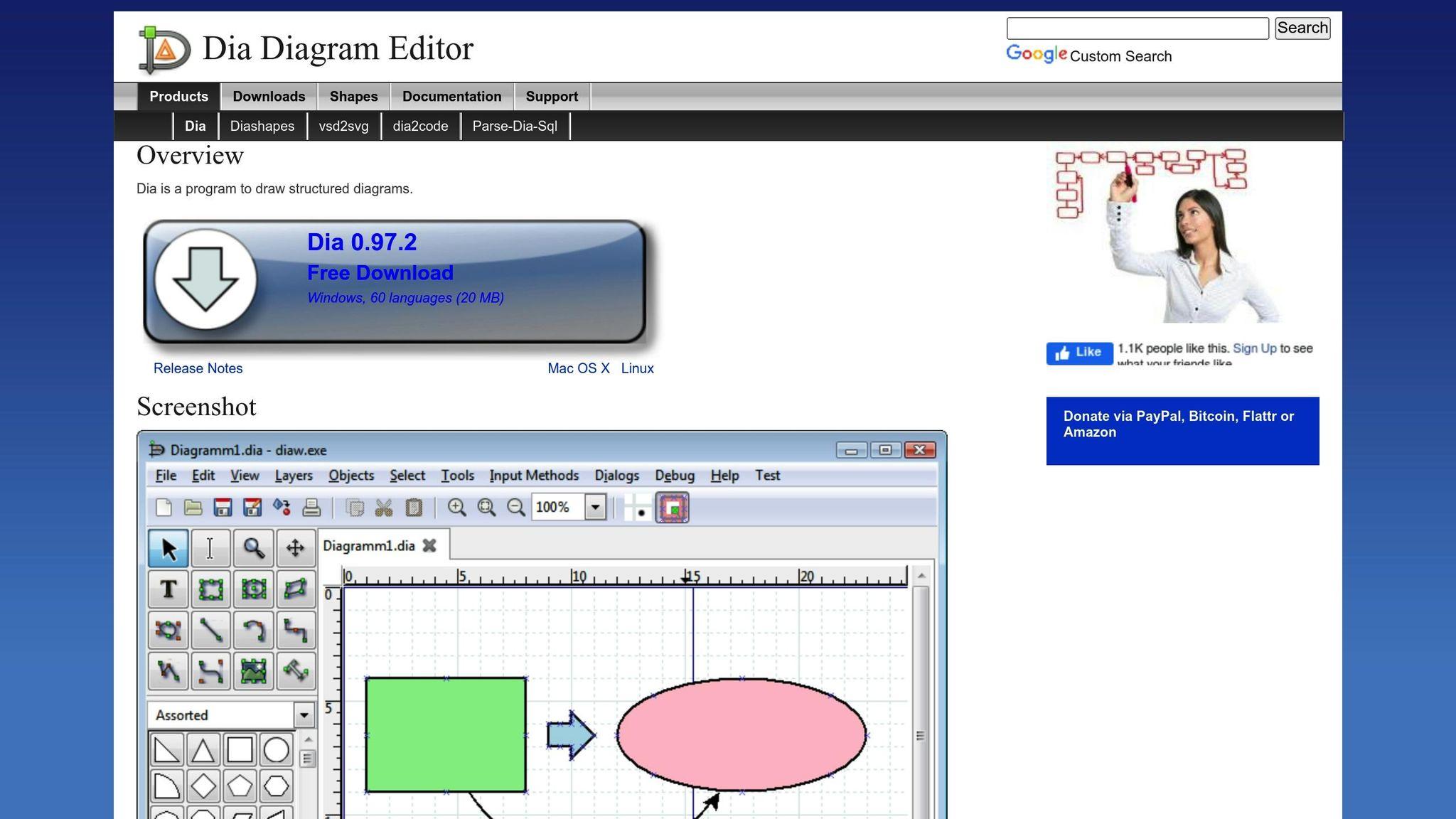
Dia is a diagram editor from the GNOME project, under the GPL v2 or later license, with more than a thousand shapes and some thirty diagram types. It comes back in nearly every list of open source org chart tools.
Look at the dates. On download.gnome.org, the last published archive is dia-0.97.3.tar.xz, dated September 5, 2014. The historical site dia-installer.de still offers 0.97.2 for download and no longer answers over HTTPS. The repository on GNOME's GitLab still receives commits, with no new stable release for twelve years.
Dia earns its keep for reopening an old .dia file, or if your Linux distribution already ships it. To start an org chart in 2026, take draw.io.
OrgChart JS is proprietary
BALKAN's OrgChart JS appears in most "open source" org chart roundups, including the previous version of this article. The library is excellent, and it belongs to its vendor.
In July 2026, its pricing page lists perpetual licenses at $399 for a single site, $1,899 for Premium and $4,999 for Enterprise. The EULA is explicit: "The Software is licensed, not sold", ownership stays with BALKAN App, redistribution is forbidden on Professional, and readable source code only arrives from Premium upward. The free 30-day trial excludes any commercial or production use.
That model is perfectly legitimate. The problem comes from the lists that file the library as free software, and from the team that discovers the invoice after building its intranet on top of it. Open the license file before you write the first line of code.
Rolebase
Disclosure: Rolebase is our product, so weigh this section accordingly.
Rolebase ships under the MIT license and takes the problem from the other end. Instead of drawing boxes, you describe roles with a purpose, a decision domain, accountabilities and indicators. Roles nest to form teams, one person holds several of them, and the org chart is drawn from that data. The model is detailed in the org chart documentation.
The rest of the platform exists to keep that structure alive. Meetings have a shared agenda, reusable templates and minutes. Governance decisions stay recorded with their date and their author. Tasks and threads attach to the role concerned rather than to a mailbox. Editing is simultaneous, search covers members, roles, decisions and meetings, and structural changes are reserved for the people in charge.
Rolebase syncs meetings with Google Calendar, Outlook and any iCal calendar, imports a structure from Holaspirit, and exports the org chart as a PNG plus the data as XLSX or JSON.
The Scop EVEA cooperative kept its org chart in a PowerPoint before moving to Rolebase, with 140 people spread across Nantes, Lyon and Troyes, more than eight competency clusters and cross-functional missions.
Rolebase has become an essential tool for EVEA. Teams can easily find who does what. We have a real-time map of all roles within the company at any moment.
Damien Delmotte, Communication & Brand Manager, in the full case study.
The free plan covers 5 active members with every feature, with no credit card, and people without a user account show up in the org chart without being counted. Above that, the Startup plan costs €5 per user per month, checked in July 2026, and nonprofits get substantial discounts depending on their status. The details sit on the pricing page.
The limits of Rolebase
Better to be blunt about these, it will save you a trial run for nothing.
Free drawing is out of reach. A generic diagram, a BPMN flow, an org chart with exotic shapes: none of that exists. The structure follows the role model, and if all you want is boxes with a name and a job title, draw.io does the job in less time.
The org chart export produces a PNG image, and the data leaves as XLSX or JSON. A PDF goes through the browser print dialog.
Automatic import works from Holaspirit. Coming from a spreadsheet or another tool, entry stays manual or goes through the API.
The scope stops at governance. Payroll, time off, annual reviews, skills and career tracking, peer feedback and elections all live elsewhere. Rolebase describes who does what and how decisions get made.
Self-hosting means running Nhost, Hasura and PostgreSQL. It is documented, and it still takes longer than a one-click install.
Drawing an org chart or keeping it alive
The six tools fall into two families, and the choice plays out almost entirely there.
draw.io, LibreOffice Draw, PlantUML, d3-org-chart and Dia produce a representation. Someone builds it, someone updates it, and the quality of the result depends on that person being available. If what you need is the method for building that representation, it is laid out step by step in how to create an org chart.
Rolebase produces data that each team edits within its own scope, and the drawing follows. That is the principle behind a dynamic org chart, and it also explains the trade-off: you accept an imposed role model in exchange for a structure that updates itself without going through a file keeper.
There is a simple signal to settle it. If your current org chart gets revised during a dedicated quarterly review, the tool is the reason you need that ritual. An org chart that gets corrected the day a responsibility changes needs no ritual at all.
How to choose
Five questions are enough, in this order.
Who updates it? For a single person, a diagram editor is fine. For every team, you need per-role permissions and simultaneous editing.
How often? Two revisions a year fit comfortably in LibreOffice Draw. Monthly changes call for a data model.
How many people? Below twenty boxes, any tool works. Past a hundred, aligning connectors by hand becomes a profession of its own, and EVEA lived through that with its 140 employees.
What skills are on the team? PlantUML and d3-org-chart assume a developer is available, for the setup and then for the whole life of the tool.
Where does the data have to live? On your disk with LibreOffice or the draw.io desktop app, on your network with a PlantUML server, on an instance you host yourself with Rolebase.
Rolebase stays free up to 5 active members, which leaves time to check whether the role model matches how you actually work before committing the whole organization to it.
Frequently asked questions
What is the best free and open source org chart software?
To get a clean org chart out fast, draw.io under the Apache 2.0 license is the safest pick in 2026. It opens in the browser with no account, imports Visio and Lucidchart files, exports to PNG, SVG and PDF, and the project ships several releases a week.
For an org chart the teams maintain themselves, the question changes nature and a diagram editor hits its ceiling. Rolebase, under the MIT license, describes roles and generates the org chart from that data.
Can an open source tool hold an org chart of several hundred people?
A diagram editor hits its ceiling well before that. Past a hundred boxes, manual layout occupies someone full time and every reorg starts from scratch.
The tools that hold at that scale generate the drawing from data: d3-org-chart if you build your own interface, PlantUML if your team is technical, Rolebase if you want each team to handle its own part. The Scop EVEA cooperative maps 140 people across three sites that way.
Can you host your org chart on your own servers?
Yes, with very different levels of effort. LibreOffice Draw and the draw.io desktop app keep the files on your machine, with no server to administer. PlantUML deploys on your own network, which its own guide recommends as soon as the diagrams carry sensitive information. Rolebase installs on your infrastructure with Nhost, Hasura and PostgreSQL, and the procedure is described in the developer documentation.
Does Microsoft have an org chart tool?
Microsoft has three, at three different levels. Visio is the diagramming app, sold separately from Microsoft 365, with org chart templates and a wizard that builds the chart from an Excel file. SmartArt, inside Word, PowerPoint and Excel, draws a small hierarchy in a few clicks and stops there. Teams shows an Organization tab generated from the manager field in Microsoft Entra ID, which reflects the HR hierarchy rather than an org chart you edit.
None of the three is open source, and all three model reporting lines. If your structure holds roles that cross teams, that model is the actual limit, well before the license is.
Does open source mean free to use?
The two notions overlap often without being the same. The license says what you are allowed to do with the code, the price says what you pay for a service.
A tool can be open source and still cost money in hosting or support, like Rolebase whose code is MIT and whose service is paid above 5 active members. A tool can also present itself as free while staying proprietary, like OrgChart JS and its perpetual licenses starting at $399. Open the license file before you choose.


