
Ultimate Guide to Open Source Org Charts
Open source org charts offer customizable, cost-effective, and collaborative solutions to optimize organizational management.
April 3, 2025
Open source org charts are powerful tools for organizing and visualizing a company’s structure. Here’s why they can be useful to you:
-
Free and Cost-Effective: No licensing fees, reduced costs.
-
Customizable: Modify the code to meet your specific needs.
-
Collaborative: Improved internal communication and transparency.
-
Integrations: Compatible with HR systems and exportable to PDF, PNG, and more.
Recommended Tools
-
Dia: Simple, versatile export options.
-
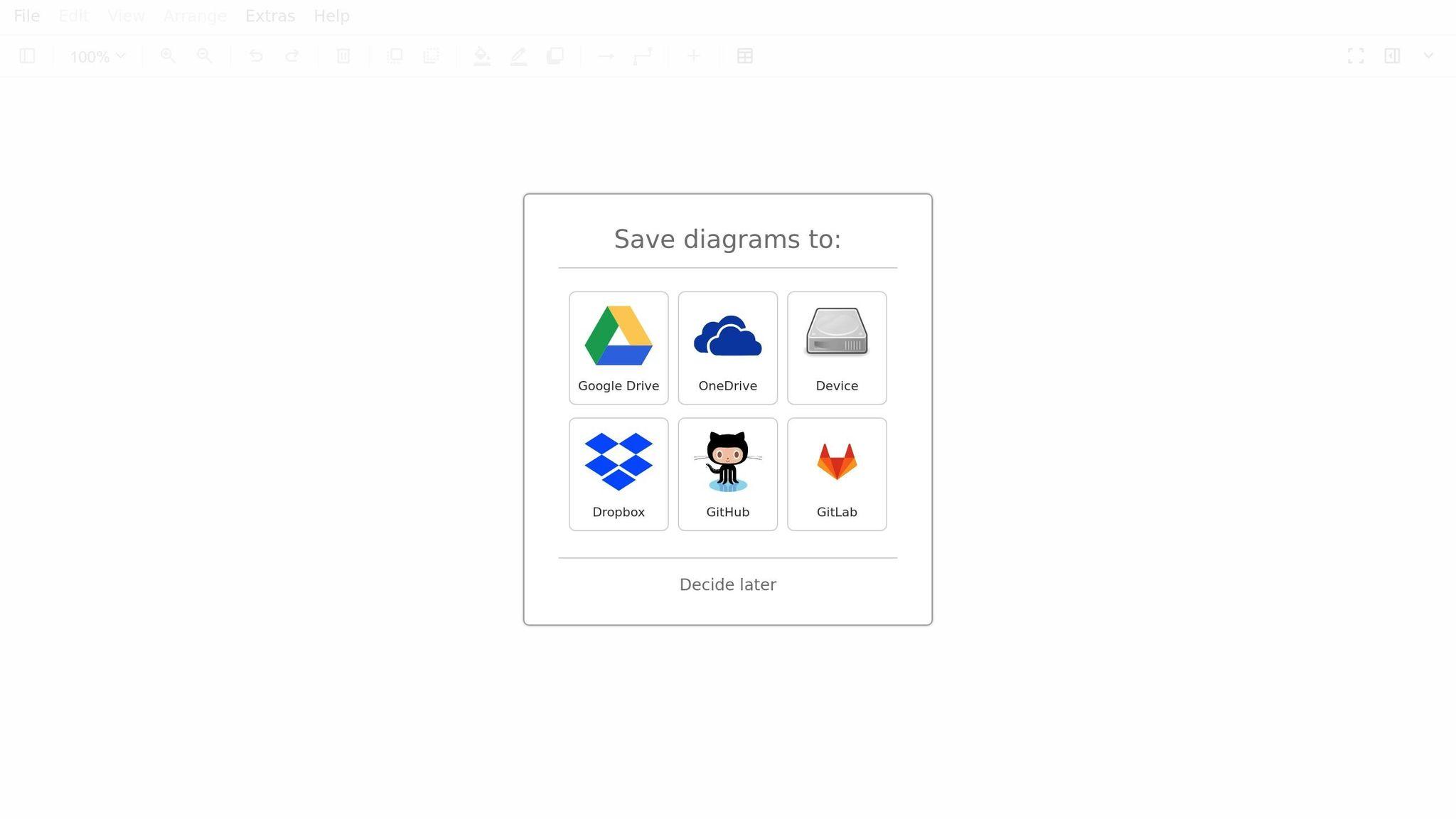
Draw.io: Browser-based, supports numerous formats.
-
LibreOffice Draw: Precise vector drawings and integration with LibreOffice.
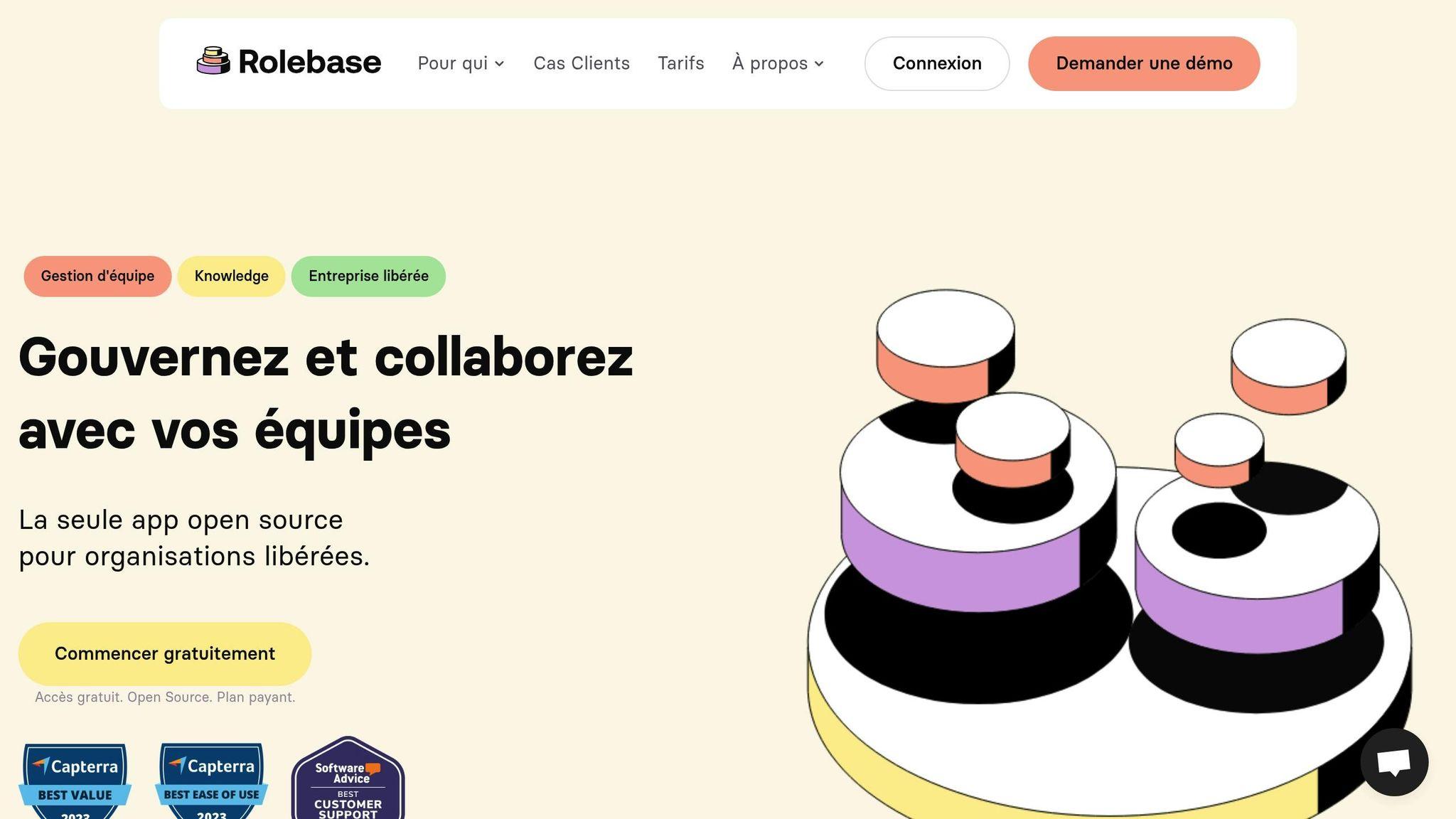
Practical Example: Rolebase
-
Automatic role updates.
-
Tools for tracking tasks and planning meetings.
-
Free plan or personalized support options.
A clear org chart improves management and collaboration. Choose the tool that fits your needs to optimize your organization.
DIAGRAMS.NET: A GUIDE TO GETTING STARTED

Key Benefits of Open Source Org Charts
Open source org charts simplify organizational management while offering practical and financial advantages.
Cost Reduction
-
No licensing fees to pay
-
Maintenance handled by the developer community
-
Allows you to reallocate IT budget to other projects
For example, tools like Rolebase let you structure an organization without requiring large upfront investments.
Customization Options
-
Ability to modify the code and add specific features
-
Interface adjustments to match your company’s branding
-
Creation of templates tailored to different services or departments
These options help improve internal communication and adapt the tool to your organization’s specific needs.
Team Communication
-
Centralized information about the organizational structure
-
Real-time access to data
-
Simplified onboarding for new members
By making roles and responsibilities clearer, tools like Rolebase foster better understanding and increase transparency.
Connections with Other Tools
Integration with other systems boosts efficiency, including:
-
Compatibility with existing HR systems
-
Synchronization with company directories
-
Data export in various formats (PDF, PNG, SVG)
Common Tools for Open Source Org Charts
Let’s review some popular tools for creating org charts in an open source environment. Here’s an overview of the main options available.
Dia Features
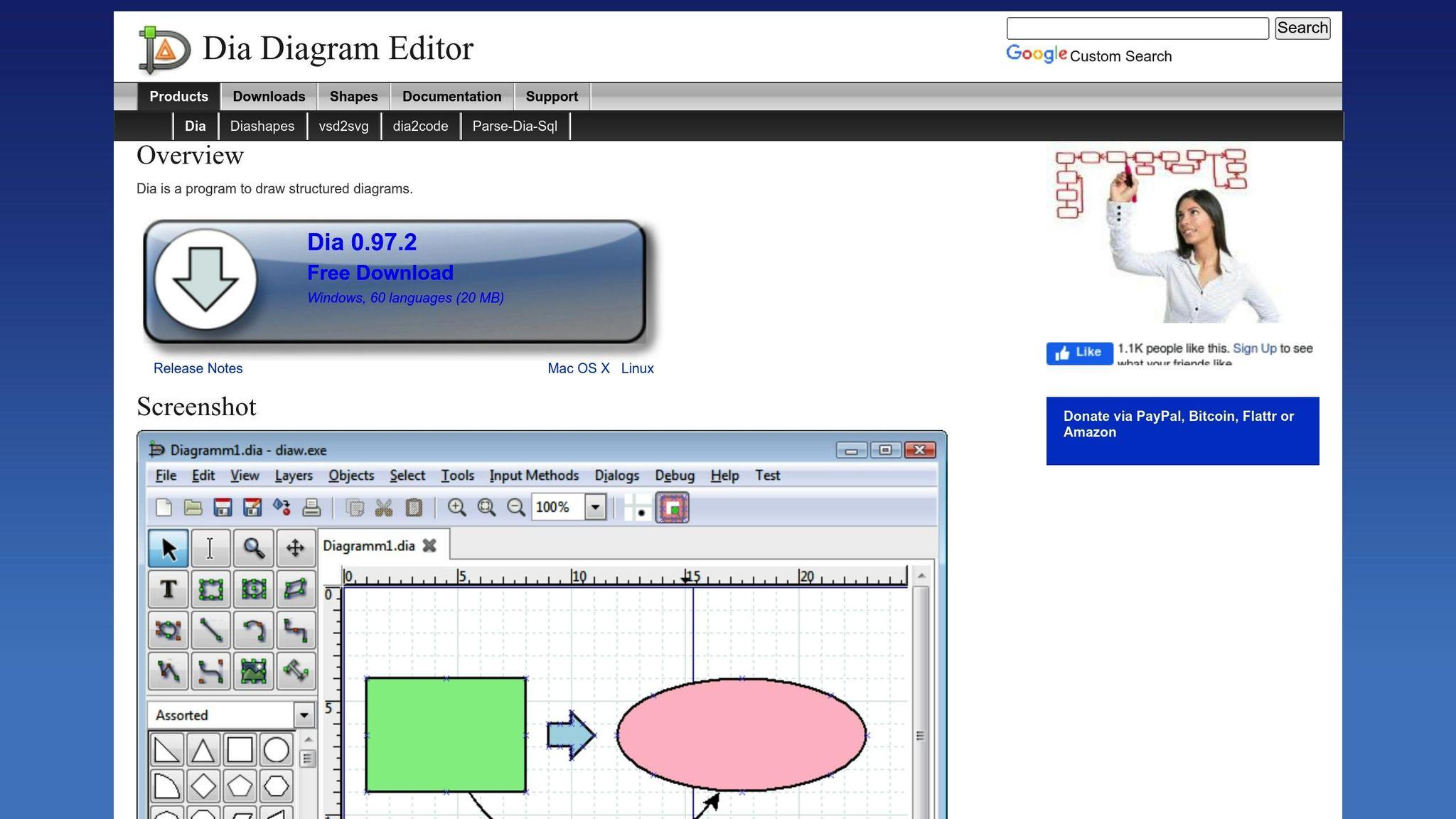
Dia is software designed for creating various types of diagrams, including org charts. Here’s what it offers:
-
Simple interface: ideal for beginners.
-
Built-in templates: makes it easy to quickly create diagrams.
-
Versatile export: supports multiple formats.
-
Full customization: adapt shapes and connectors to your needs.
It also includes tools like layers and grids, which help structure your diagrams clearly.
Draw.io Capabilities
Draw.io is a practical web application for designing org charts and much more. Here are its main features:
-
Broad compatibility: supports .vsdx, Gliffy™, and Lucidchart™ formats.
-
Advanced tools: ideal for complex diagrams like UML, BPMN, or databases.
-
Accessibility: works directly in a browser with JavaScript enabled.
| Feature | Description |
|---|---|
| Import/Export | Supports various formats (.vsdx, Gliffy™, Lucidchart™) |
| Diagram types | Includes org charts, UML, BPMN, circuits, etc. |
| Environment | Web application requiring JavaScript |
LibreOffice Draw Tools
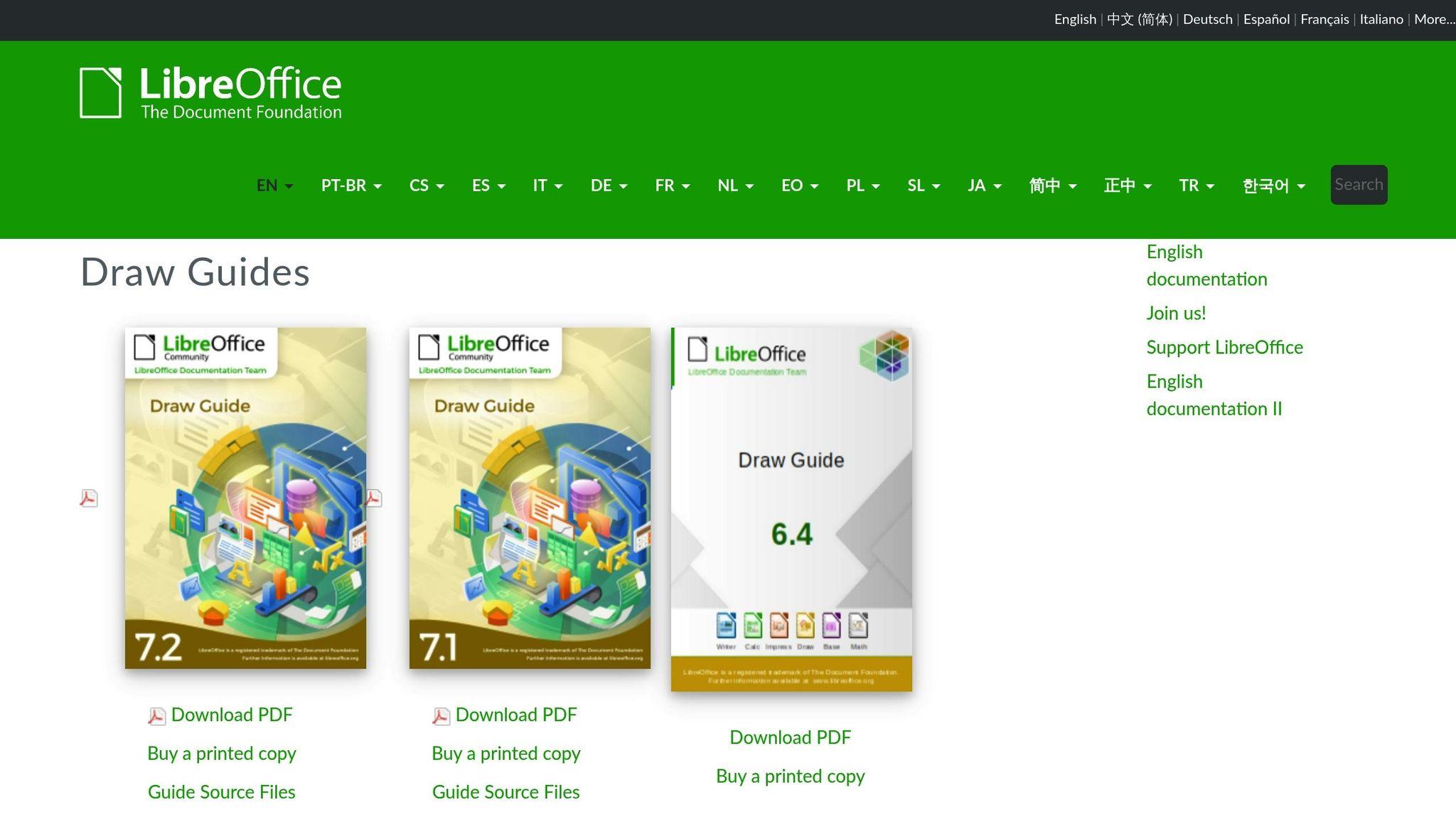
LibreOffice Draw is a powerful tool for creating vector diagrams, including org charts. Here’s what it offers:
-
Precise vector drawing: perfect for detailed schematics.
-
Seamless integration: works with the entire LibreOffice suite.
-
Flexible export: multiple formats available.
-
Layer management: simplifies element organization.
It’s a solid choice for those looking for a robust solution well integrated into a complete office suite.
These tools highlight the richness and flexibility of open source solutions for creating org charts, addressing a wide range of specific needs.
sbb-itb-77d9745
Using Open Source Org Charts Effectively
Defining Your Goals
Creating a useful org chart starts with defining clear goals:
| Goal | Description | Indicators |
|---|---|---|
| Structural Clarity | Clearly show hierarchical relationships | Fewer questions about the structure |
| Communication | Improve exchanges between departments | Better response times |
| Planning | Support organizational changes | Regular role updates |
| Documentation | Serve as a reference for internal processes | Good integration with existing documents |
Once your goals are defined, choose a tool that meets your specific needs.
Choosing Your Tools
To select the right tool, consider these factors:
-
Team size: How many people will use the tool?
-
Technical skills: What is your team’s level of technical proficiency?
-
Required integrations: Which systems need to connect to the tool?
-
Update frequency: How often will the org chart be modified?
After choosing the tool, it’s essential to structure teamwork to ensure the org chart stays up to date.
Collaborative Work
-
Define a clear workflow: Assign responsibilities and set deadlines for changes.
-
Train your teams: Organize regular training sessions and provide practical guides.
-
Facilitate communication: Set up dedicated channels to discuss updates.
These practices help maintain a relevant and functional org chart.
Org Chart Maintenance
To keep your org chart useful, adopt regular maintenance practices:
-
Frequent reviews: Schedule checks to keep the structure up to date.
-
Automation: Enable alerts to flag necessary updates.
-
Archiving: Maintain a version history for reference.
-
Documentation: Update associated guides and procedures.
Here’s a sample maintenance schedule:
| Frequency | Action | Responsible |
|---|---|---|
| Weekly | Check for minor adjustments | Team lead |
| Monthly | Update roles and responsibilities | HR Manager |
| Quarterly | Full structural review | Management |
| Annually | Global audit and strategic planning | Executive committee |
By following these steps, you’ll optimize the use of open source org charts while ensuring their relevance and effectiveness over the long term.
Rolebase Platform Overview
Automated Org Charts
Rolebase automatically updates the organizational structure in real time through role and hierarchical relationship synchronization. Here’s what it includes:
-
Continuous, real-time updates
-
Role and hierarchical relationship synchronization
-
Seamless connection with existing management tools
With this automation, teams no longer need to worry about manual updates and can focus on their core responsibilities.
Team Management Tools
Rolebase offers tools designed to improve coordination and organization within teams:
| Feature | Description | Benefit |
|---|---|---|
| Role management | Tracking and assigning responsibilities | Better organizational clarity |
| Task tracking | Organizing and monitoring activities | Improved productivity |
| Meeting planning | Tools for organizing group sessions | Greater efficiency |
| Synchronized calendars | Integration with external calendars | Simplified coordination |
These features enable smooth collaboration, particularly useful for organizations that favor a less hierarchical structure.
Support Services
Beyond the tools, Rolebase provides personalized support to help organizations get the most out of the platform:
- Free Open Source Plan
This plan enables autonomous management with dynamic org charts and built-in role management tools.
- Initial Support
-
Organizational analysis
-
A 2-hour coaching session
-
Personalized setup based on your needs
- Personalized Coaching
-
A tailored support program
-
Regular assessments to adjust practices
-
Ongoing assistance to adapt to changes
This approach allows organizations to progress at their own pace while benefiting from support tailored to their goals.
Summary
Key Takeaways
Open source org charts offer several advantages for today’s businesses. Here’s an overview of the essential points:
| Aspect | Main Advantage | Impact |
|---|---|---|
| Cost | Reduced expenses | Lower software licensing fees |
| Customization | Tailored to specific needs | More accurate representation of structures |
| Communication | Enhanced transparency | Improved team collaboration |
| Integration | Broad compatibility | Streamlined workflows |
These aspects combine and amplify each other through the features offered by Rolebase.
Rolebase Highlights
After highlighting the strengths of open source solutions, let’s see how Rolebase maximizes these benefits.
Rolebase offers:
-
Dynamic org charts that update automatically
-
A comprehensive suite of integrated team management tools
-
Support tailored to each organization’s specific needs
The platform provides three service levels:
- Free Open Source Plan
- A self-service solution with essential features for effectively managing organizational structures
- Initial Support
- In-depth organizational analysis and a 2-hour coaching session
- Coaching Program
- Personalized follow-up and regular support for specific needs
These options allow you to modernize organizational structures while receiving support adapted to each situation.


