
7 Tools for Horizontal Teams, and Where Each One Stops
Rolebase, Trello, Miro, Slack, Confluence, Google Workspace and Clockify: what each one is good at, where it stops, and prices checked in July 2026.
March 2, 2025
Updated on July 28, 2026
- A horizontal team needs four separate things: a map of who holds which role, a place where work moves, a place where people talk, and a place where the durable stuff gets written down. One tool rarely covers more than two.
- Trello, Miro, Slack, Confluence, Google Workspace and Clockify all organise the work. None of them says who has the authority to decide.
- Rolebase carries the roles, the org chart, the meetings and the decisions. Chat, whiteboarding, project planning and time tracking stay in the tools you already use.
- Prices taken from the vendor pages in July 2026, per user per month on annual billing: Clockify $3.99, Trello $5, Rolebase 5 €, Slack 6.75 €, Google Workspace 6.80 €, Miro $8.
A team that removes its managers finds out fast that its tooling assumed one. The kanban board waits for someone to order the leftmost column. The chat channel waits for someone to settle it when two opinions collide. The knowledge base waits for someone whose job is keeping it current. Removing the reporting line leaves all of that in place, and software fills none of it on its own.
This review covers seven tools, ours included. Each section says what the tool is genuinely good for in a horizontal organisation, and what it leaves to the others. Prices come from the vendors' own pages, checked in July 2026, and they move often: verify before you sign.
What a team without a reporting line needs
A horizontal organisation needs no more tools than any other. It needs four jobs covered explicitly, where a hierarchy used to absorb them into the manager's role.
A team has to know who holds which role and who decides what without asking, keep visible work moving with tasks and due dates, talk fast when a decision is stuck, and write down whatever has to outlive the conversation, decisions included.
Two secondary needs show up depending on the trade: thinking together on a visual surface, and measuring time when billing demands it.
The first job is the one the market covers worst. The other six tools on this list all assume the question of authority was settled somewhere else.
Side by side
| Tool | What it does well | What it leaves out | Price in July 2026 |
|---|---|---|---|
| Rolebase | Roles, org chart, structured meetings, decisions | Real-time chat, whiteboard, project planning, time tracking | Free up to 5 active members, then 5 €/user/month |
| Trello | Tracking work as cards you drag | Who has the mandate to decide | Free up to 10 collaborators per workspace, then $5 |
| Miro | Workshops, mapping, thinking together | Any structure meant to last past the workshop | Free with 3 editable boards, then $8 |
| Slack | Fast exchanges, one channel per topic | Memory, wiped after 90 days on the free plan | Free with 90 days of history, then 6.75 € |
| Confluence | Durable, version-tracked documentation | Keeping what is written alive | Free up to 10 users, then per-seat with volume discounts |
| Google Workspace | Writing together in real time | Filing what has been written | Business Starter 6.80 €, with no free plan |
| Clockify | Measuring time by project and by task | Governance, and the team's agreement to be measured | Free up to 5 users, then $3.99 |
Prices are per user per month on annual billing. Trello, Miro and Clockify quote in dollars, Slack and Google Workspace in euros.

1. Rolebase, for roles and decisions
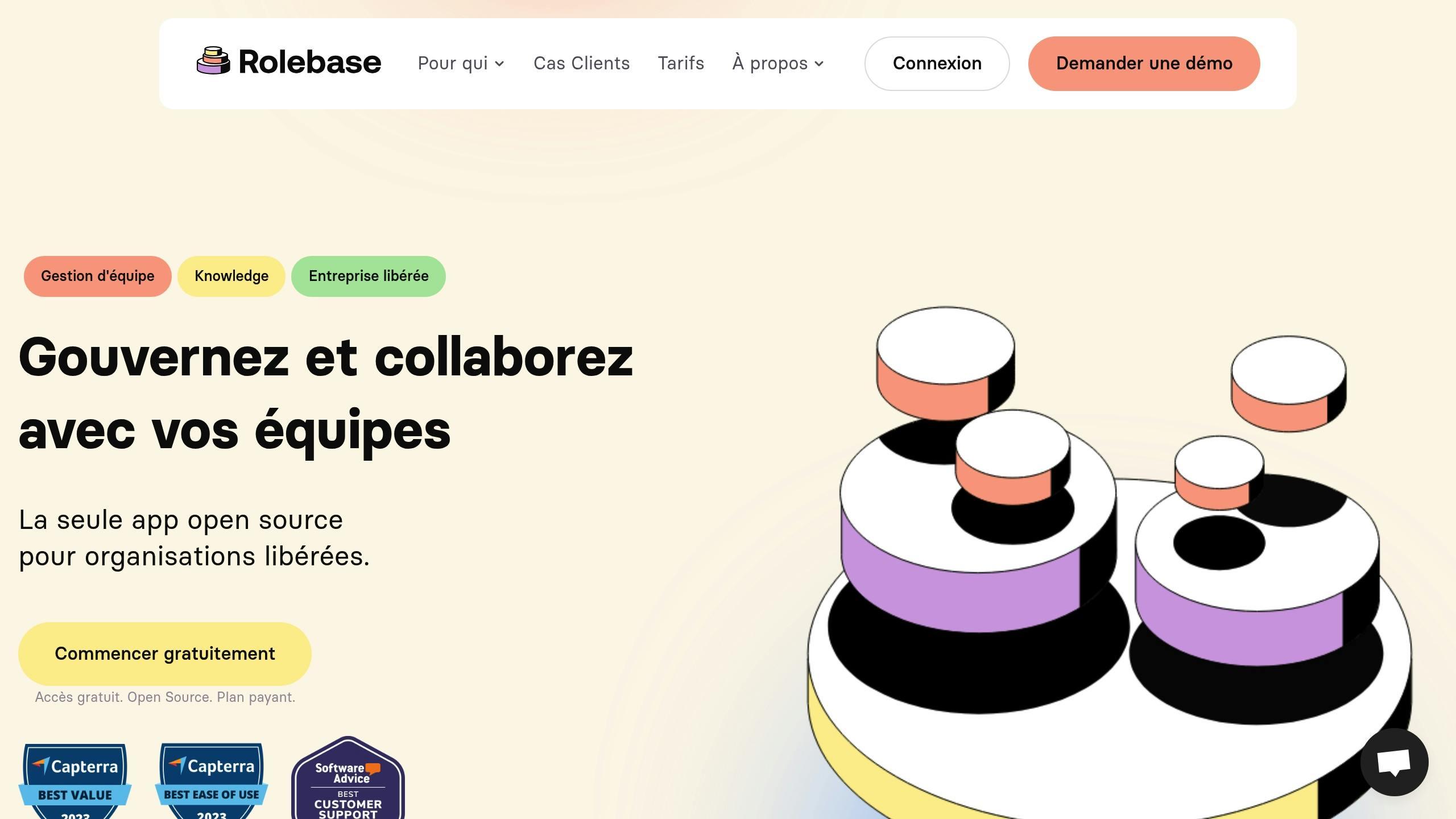
Rolebase is our product, so read this section with the suspicion it deserves. We wrote it with the same limits on display as the other six.
Rolebase answers the first job on the list. The org chart is interactive, roles nest and move by drag and drop, and every role carries its purpose, its domain, its accountabilities, its checklist and its indicators. When somebody wonders who signs off on an expense, they open the role instead of a Slack channel.
Meetings run through customisable steps, with reusable templates, a recurrence rule and a summary generated at the end. Proposals are voted by consent, unanimity, or simple or absolute majority, and an accepted proposal applies the org chart changes it carried. Those structural changes land in an activity log where each entry can be undone on its own. Three governance modes set who may change the structure, from open editing to mandatory approval by proposal.
Every task belongs to a role and shows up on a kanban board or in a list, with an assignee, a status and a due date. Discussions are organised by role, with reactions, mentions and polls that take multiple choice or point allocation, anonymous when needed. Global search covers members, roles, discussions, meetings, tasks and decisions. The org chart exports to PNG and embeds in an iframe on a public site. Everything syncs with Google Calendar, Office 365 and any iCal-compatible calendar, exports to XLSX or JSON, and imports from Holaspirit.
The code ships under the MIT licence, so you can audit it or host it yourself. The free plan covers every feature up to five active members, with unlimited inactive members in the org chart, and the Startup plan then costs 5 € per user per month. Full details sit on the pricing page.
What Rolebase does not replace
Rolebase does not replace Slack. A discussion always belongs to a role, it carries reactions and mentions, and it moves at the pace of a topic. Direct messages, presence status and the running chatter of a channel belong in a team messenger.
Rolebase does not replace Miro. The org chart is a structured graph that follows its own rules, where a workshop wants a free canvas to stick notes on. You build an org chart in Rolebase and you run the workshop somewhere else.
Rolebase does not replace a full project management tool. Tasks carry a status, an assignee and a due date. Dependencies, Gantt charts and per-person workload belong in Trello, Jira or Linear as soon as a roadmap spans several teams.
Rolebase does not replace a wiki. Roles and meeting notes hold the structured text of governance. Detailed procedures, internal guides and product documentation live better in Confluence or Notion.
Time tracking, peer feedback, elections without candidates and skills tracking sit outside the scope. The product stops at structure, meetings and decisions.
The EVEA worker cooperative shows where that scope pays off. The company went from 60 to 140 people between 2020 and 2023 across three sites. Its shared governance already existed, and what was missing was a map readable in real time once a hand-maintained document stopped keeping up.
2. Trello, for making work visible
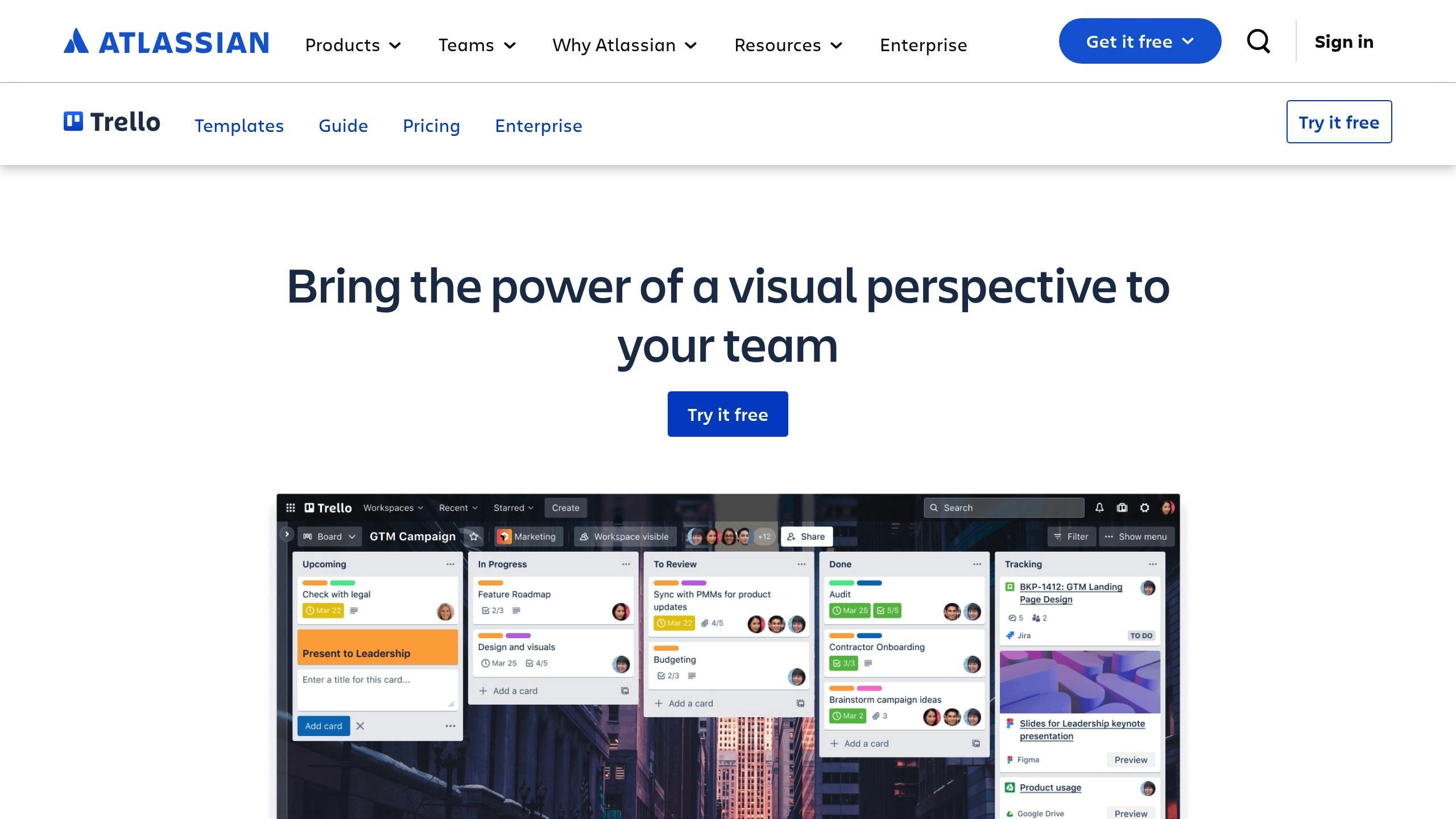
Atlassian claims more than two million teams active every month across more than 150 countries. The idea fits in one sentence: columns for stages, cards for work, and drag and drop to move a card along.
That simplicity is why Trello works in a horizontal team. A public board makes work legible without anyone having to run a status update. Built-in automations move cards, assign them and notify people according to rules written once, which replaces part of the chasing a project manager used to do by hand. Other readings of the same content, Timeline and Table among them, open up on the paid plans.
Trello hits its ceiling when two people claim the same card, or when nobody does. The board shows the state of the work without saying who has the mandate to settle it. That is exactly the gap an organisation that removes its managers has to fill elsewhere.
The free plan takes up to 10 collaborators per workspace. Standard costs $5 per user per month on annual billing, $6 monthly. Premium goes to $10 annual and $12.50 monthly. Enterprise is listed at $17.50 per user per month on annual billing.
3. Miro, for thinking together
Miro claims more than 100 million users across 250,000 organisations on its own about page. It is an infinite canvas where you drop sticky notes, arrows, frames and votes.
In a horizontal team, Miro earns its place at the stage where the decision is still being shaped. Mapping roles before writing them down, running a retrospective, laying out the options behind a structural choice, running a weighted vote: all of that works better on a canvas than in a linear document. The prebuilt templates and the built-in timer give workshops a shape without needing a permanent facilitator.
Miro publishes a PepsiCo case study where the time from brief to market launch drops from three years to ten months. The figure comes from Miro rather than from a third party, and it covers a design team, which makes it an illustration rather than a benchmark.
Miro's weakness is the flip side of its strength. A canvas accepts everything, so it keeps everything, including the decisions taken six months ago in the middle of four hundred sticky notes. A Miro board turns unreadable for anyone who missed the workshop. Whatever got decided has to move out to a structured place the same day.
The free plan keeps three editable boards. Starter costs $8 per member per month on annual billing, Business $20, and Enterprise starts at 30 members on a quote. The integration catalogue lists more than 250 entries.
4. Slack, for talking fast
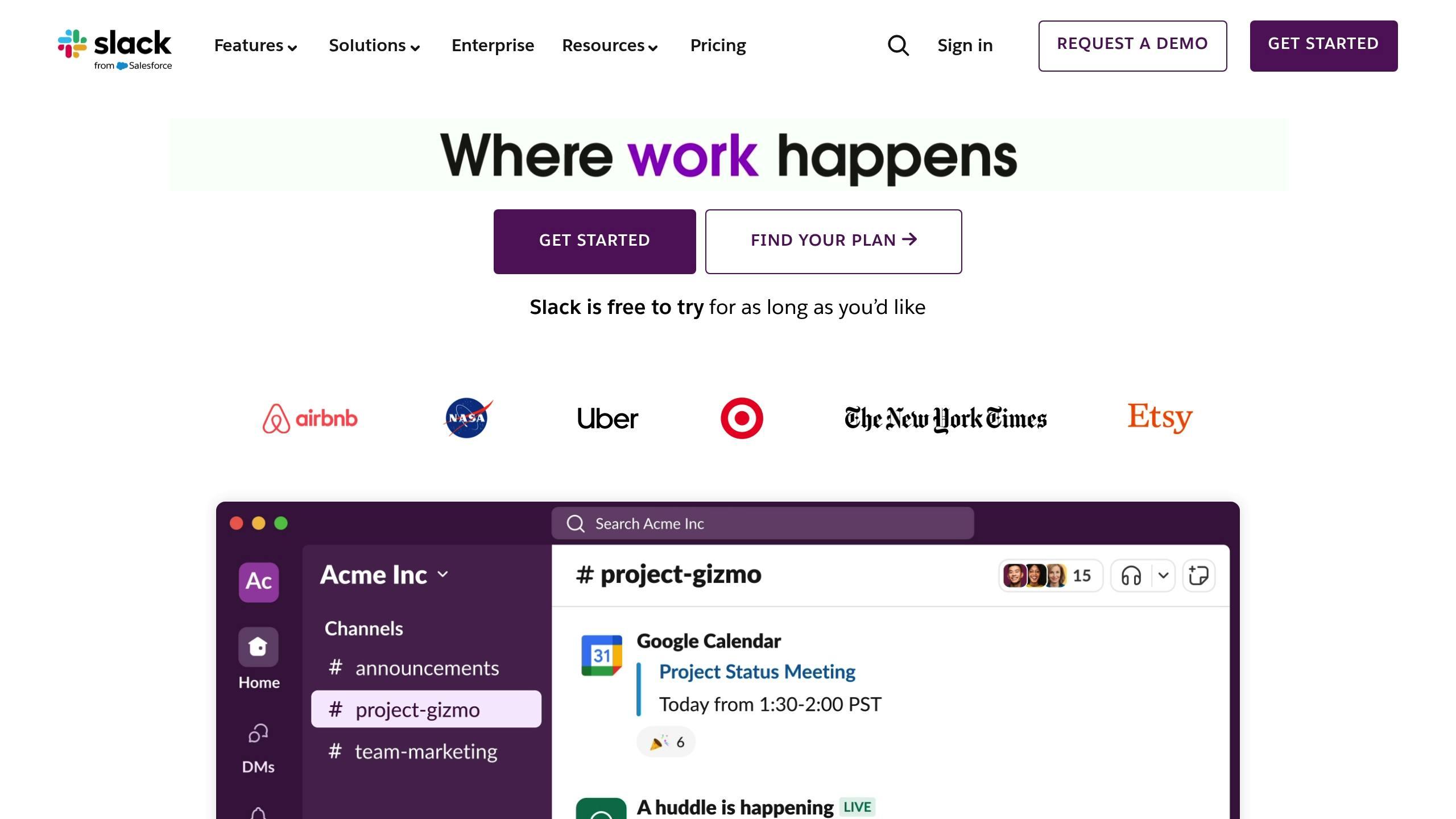
Slack removes the trip through a manager to get a piece of information. One channel per topic, open by default, lets everyone see what the rest of the organisation is doing without asking. Slack Connect opens a shared channel with a client or a partner, which spares everyone the email chain nobody reads.
What Slack handles badly is memory. A decision taken in a thread vanishes under three days of messages, and the free plan wipes history past 90 days. A decision lasts only if someone copies it somewhere else. Back in 2012 the McKinsey Global Institute measured in The Social Economy that knowledge workers spent 13 hours a week, or 28% of their time, on email. A chat tool moves that volume around more than it shrinks it, and a horizontal organisation that puts everything in public channels adds to the reading load. Our piece on team communication sets out how to split what belongs in synchronous, asynchronous and durable written form.
Slack lists more than 2,600 apps in its marketplace, including the calendars, project tools and office suites mentioned here. The free plan keeps 90 days of history and 10 integrations. Pro costs 6.75 € per user per month on annual billing, 8.25 € monthly. Business+ goes to 15 € annual and 18 € monthly. Enterprise+ is negotiated.
5. Confluence, for what has to last
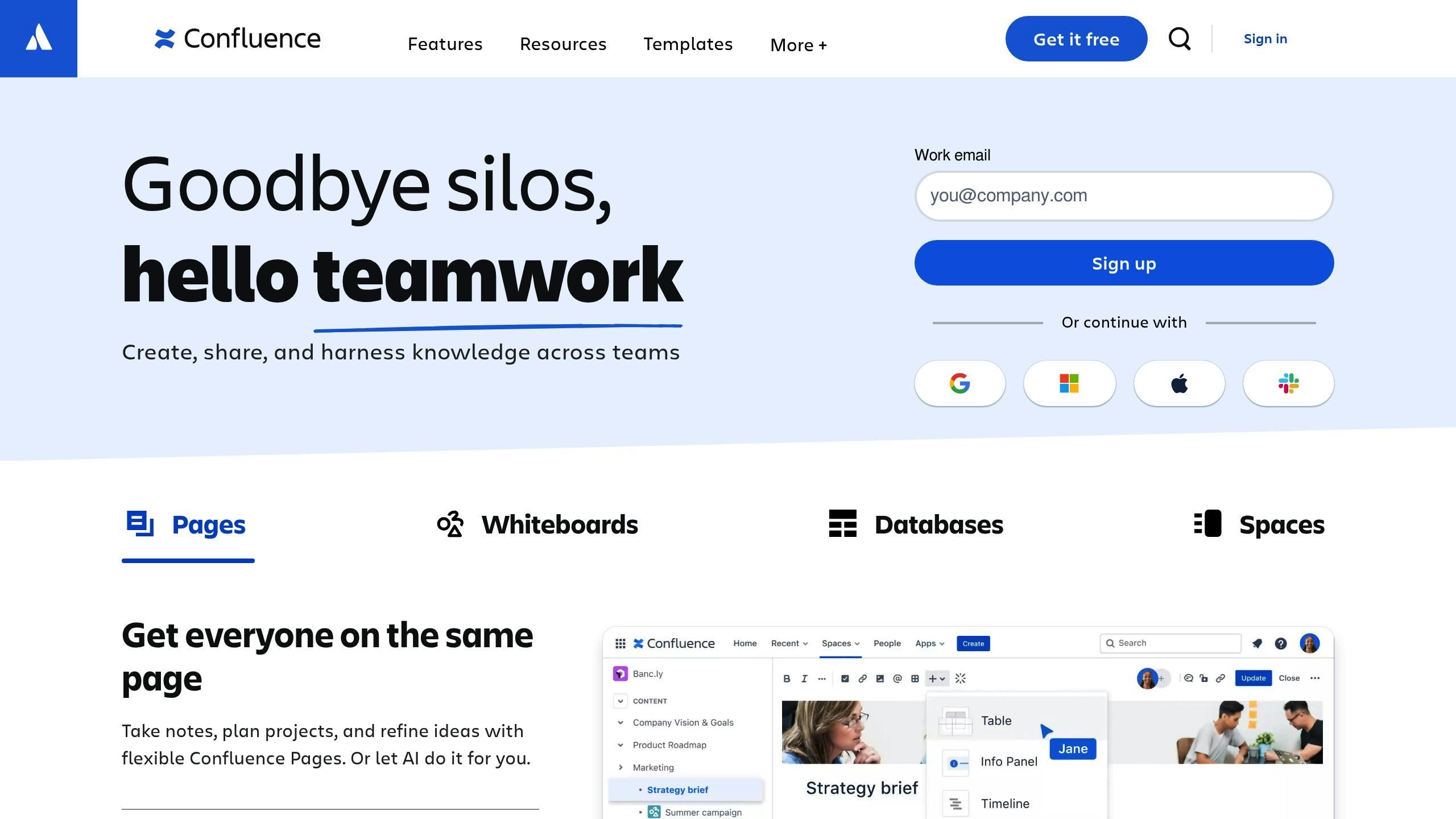
Confluence files documentation into spaces, one per team, project or domain, with a version history on every page and inline comments. In an organisation without a reporting line, that is where procedures, substantial meeting records and internal conventions belong.
The real value shows up over time. A new hire who reads a page's history understands why a rule exists, which no chat channel will ever give them. The links to Jira and Trello connect a specification page to the tickets that carry it out.
Confluence's classic failure mode is the same everywhere it runs. A page written once ages quietly, and nobody holds the mandate to revisit it. A governance wiki describing a 2023 structure does more damage than no wiki at all, because it earns trust it no longer deserves. The fix is organisational. Attach each space to a named role, with a review date on the calendar.
Confluence stays free up to 10 users with 2 GB of storage. Above that, Atlassian charges per seat with volume discounts and publishes the detail in its pricing calculator rather than as a single per-user rate, which makes any one-number comparison misleading. The Enterprise plan is annual only.
6. Google Workspace, for writing together
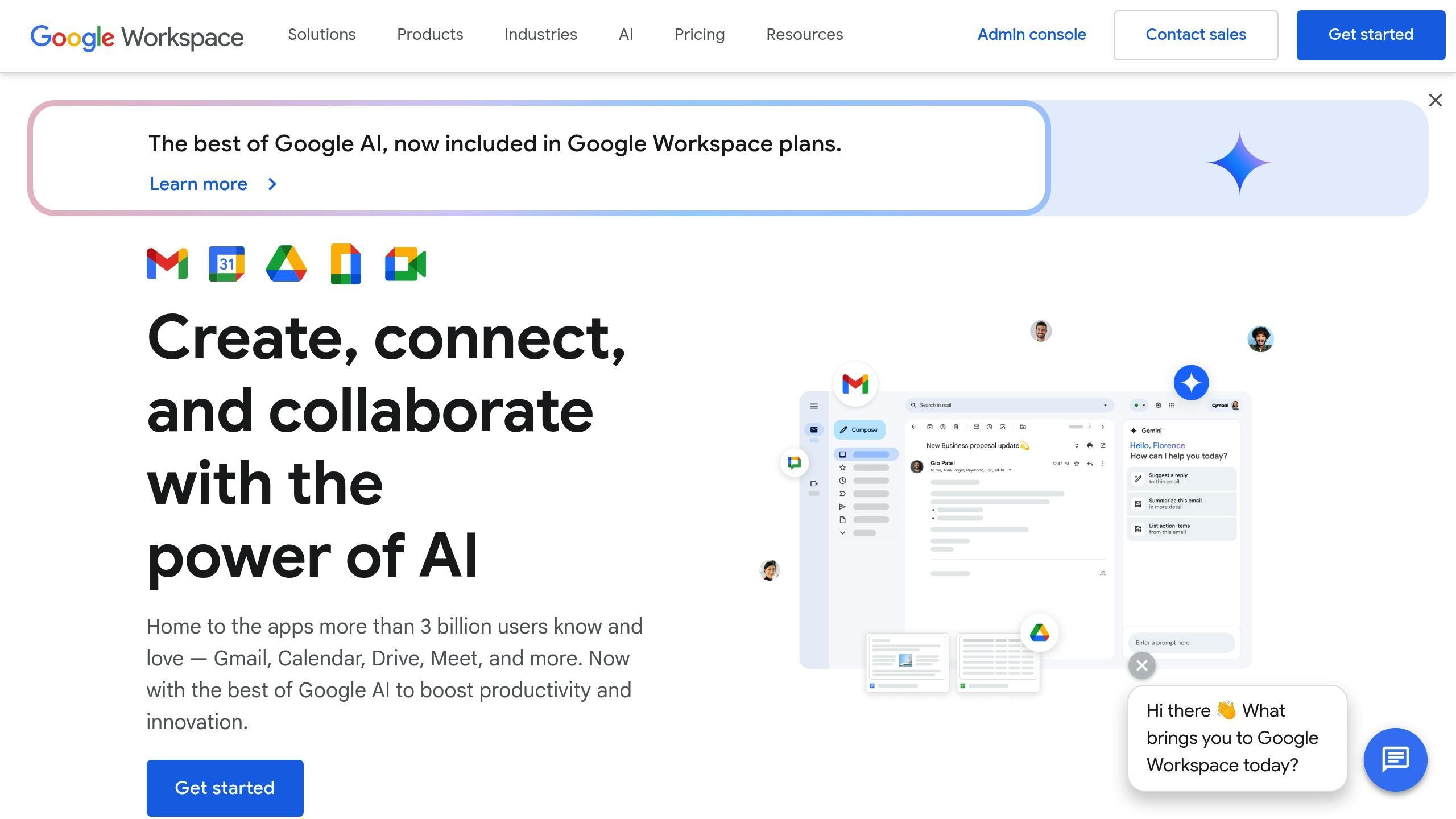
Docs, Sheets, Slides, Calendar and Meet are the office layer of a lot of teams, and Google documents one technical limit worth knowing: a file can be edited on up to 100 open tabs or devices at once. Past that, only the owner and some editors keep write access.
For a horizontal organisation, the value sits in fine-grained sharing. Choosing who edits, who comments, who views and who downloads, document by document, lets you open things wide by default while locking the few sensitive files. Shared calendars do the same job for time.
What Google Workspace does not do is file things. A two-year-old Drive turns into a dump where three versions of the same procedure coexist with nothing marking which one counts. Google Docs is an excellent place to write and a poor place to find.
There is no free plan for an organisation. Business Starter costs 6.80 € per user per month with an annual commitment, with 30 GB of pooled storage per person. Business Standard goes to 13.60 € and 2 TB, Business Plus to 21.10 € and 5 TB. New customers get 10% off on their first twenty users.
7. Clockify, for measuring time
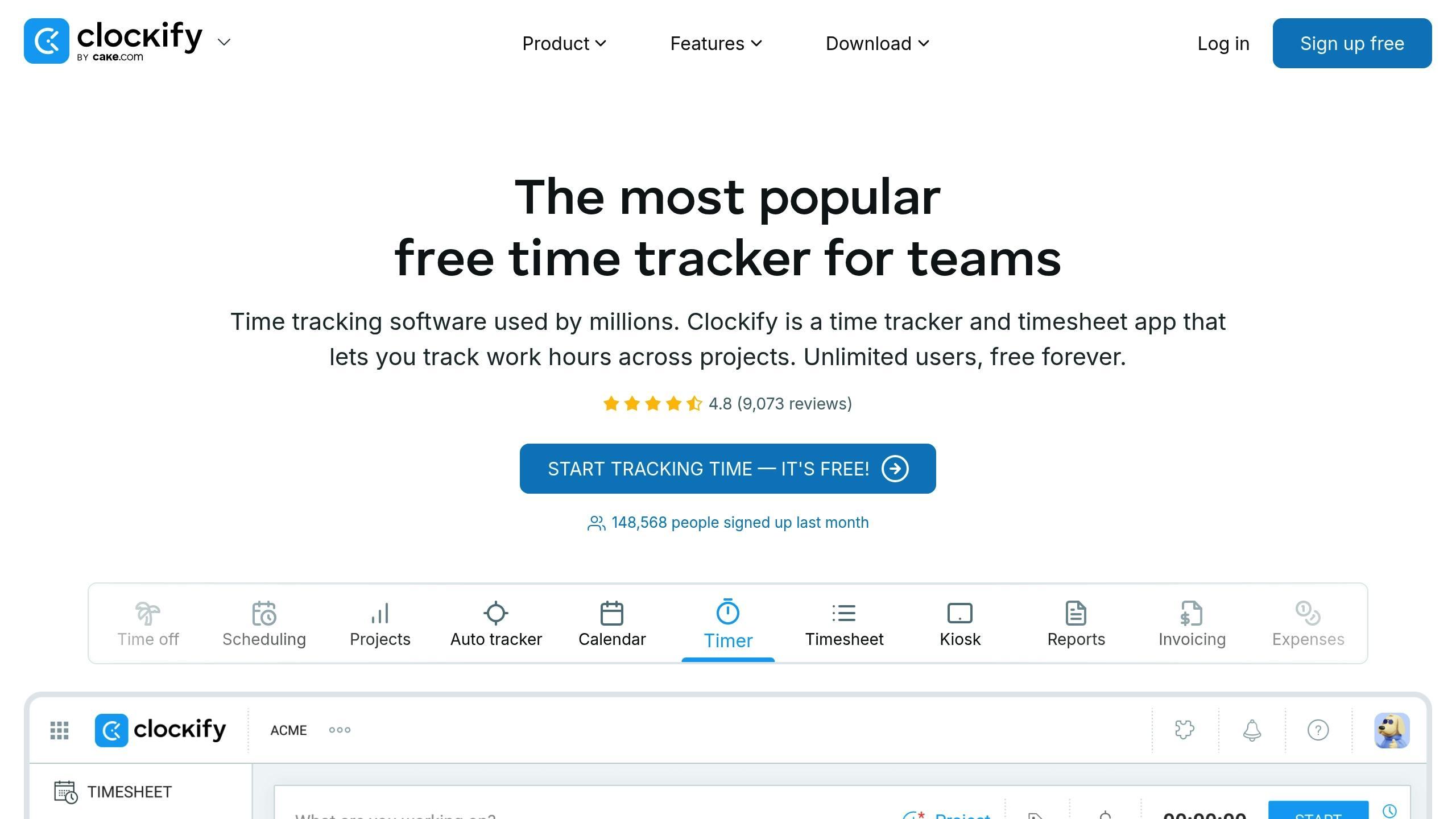
Clockify runs timers, fills weekly timesheets, produces reports by project and by person, and handles leave. Its vendor lists more than 100 web app integrations, Trello, Asana, Jira, Slack and Google Workspace among them.
In an autonomous team, time tracking exists first to bill a client and to know whether a project fits its budget. A services cooperative or an agency needs that whatever its governance looks like.
The real-time team dashboard deserves a warning. A tool that shows everyone what each person is doing right now can support transparency or install mutual surveillance, and which one you get depends entirely on who decided to install it and why. In an organisation that just removed its managers, a measurement imposed without discussion looks a lot like a manager coming back through the window. Put the decision through the governance process, and write down who gets access to what.
The free plan takes up to 5 users. Basic costs $3.99 per seat per month on annual billing, Standard $5.49, Pro $7.99 and Enterprise $11.99.
Three stacks, by team size
A team of five to fifteen people gets by with Rolebase for roles and meetings, a chat tool, and Google Workspace or Notion for documents. Adding a kanban board before the work overflows mostly creates admin.
Between fifteen and fifty people a project board becomes necessary, because tracking the work stops fitting into a weekly meeting. Trello is enough in most cases, and Miro joins in once workshops become regular.
Above that, documentation earns a dedicated tool, and time tracking comes up if you bill by the hour. That is also the point where the org chart stops being readable to a newcomer, which makes the governance tool more useful than it was on day one.
Give every tool to a named role, responsible for configuring it, onboarding newcomers and deciding when it goes. A tool nobody holds becomes a tool everyone works around, and the team ends up with two places to look for the same information.
What a tool settles, and what it does not
Software makes visible what an organisation already decided. It decides nothing in its place. A team that installs Rolebase without writing its roles gets an empty org chart, exactly as a team that installs Confluence without naming who holds each space gets a dead wiki in six months.
The order that works starts with structure: write the roles, set a decision rule per type of subject, then pick the tool that carries that structure. Our piece on the transition to horizontal management lays out the sequence, and the rollout checklist breaks it into boxes to tick.
FAQ
What is the minimum toolset for a horizontal team?
Two, for a team under fifteen people: one place where the role structure and the decisions are written down, and one place where people talk. The rest gets added when a need shows up, rather than in anticipation. A team that starts with six tools spends its first three months deciding what goes where.
Does Rolebase replace Slack, Notion or Trello?
No. Rolebase carries roles, the org chart, meetings, decisions and the tasks attached to a role. Discussions there are organised by role, which gives them a different rhythm from a team messenger. Free-form wikis, whiteboard canvases and task dependencies sit outside the scope. Rolebase syncs with Google Calendar and Office 365, and lives alongside the other tools rather than absorbing them.
Are there open source options for the org chart?
Rolebase ships under the MIT licence and can be self-hosted. Among the proprietary governance tools in the same segment, Holaspirit, Peerdom and GlassFrog cover close needs, and we compare them in our pieces on Holaspirit alternatives, Peerdom alternatives and GlassFrog alternatives. The round-up of open source org chart tools widens the question to drawing tools.
What does a full stack cost per person per month?
Adding up the July 2026 annual-billing prices, a stack of Rolebase at 5 €, Slack Pro at 6.75 € and Google Workspace Business Starter at 6.80 € comes to just under 19 € per person per month. Trello Standard and Miro Starter add $13 on top, which puts the full stack somewhere around thirty euros depending on the exchange rate. The free plans from Trello, Slack, Confluence and Clockify cover very small teams, with ceilings that arrive quickly.
Should a horizontal organisation track time?
Only if you bill by the hour or have to account for hours to a funder. Time tracking measures activity and never contribution, and an autonomous team that installs it without an external reason loses more in trust than it gains in dashboards. When the measurement is unavoidable, run it through the governance process and write down in plain terms who can see the data.
Where to start
Take the last decision your team took too long to make, and find where it was discussed. If the answer is a message thread three people read, the kanban board and the wiki are off the hook. Nobody knew who owned that decision.
Write the roles involved, set the decision rule, then pick the tool that carries that structure. Rolebase is free up to five active members, which is enough to test the approach on one team before extending it.


